

Attribute revenue, not clicks
See the money each campaign actually produced, not the traffic it sent.
Accurate Google Tag Manager Analytics
Google Tag Manager deploys and manages site tags without touching code. It is the simplest way to install the SegMetrics pixel and keep it consistent across every page, so tracking coverage is a container setting rather than a developer ticket.

How SegMetrics works
When your data is fragmented across multiple tools, it’s hard to find answers to important questions about your marketing — like which ads bring in contacts with the highest LTV after 3, 6, and 12 months.
SegMetrics connects your data from all your marketing tools, including ad platforms, CRMs, email systems, payment processors and more. Find the hidden profits in your marketing.
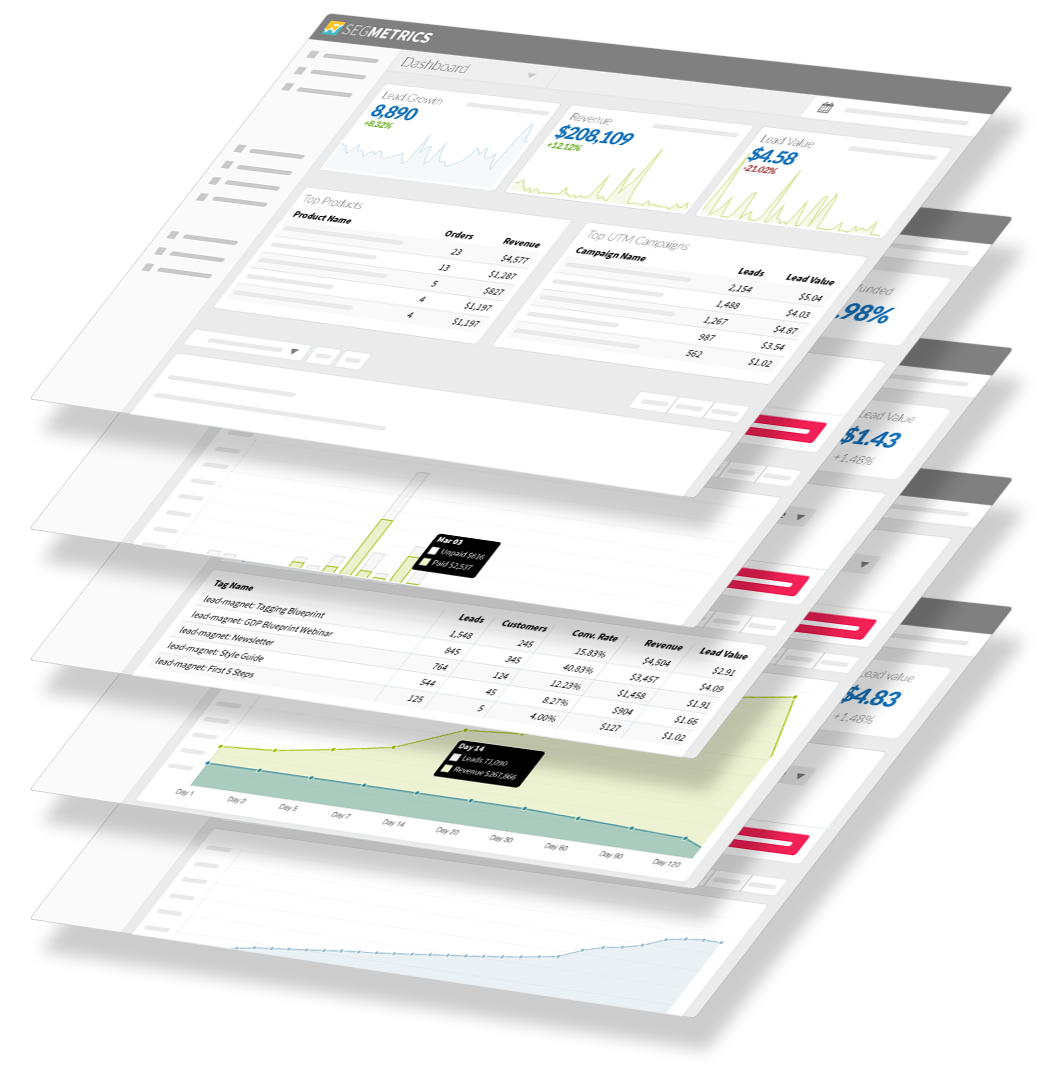
See the money each campaign actually produced, not the traffic it sent.
Filter by any action or attribute to see which groups convert and which stall.
Track what a customer is worth across every repeat purchase, upgrade and renewal.
Authorise once and your historical data comes with you.
Manage all your website tags without editing code. Google Tag Manager delivers simple, reliable, easily integrated tag management solutions. Use Google Tag Manager to manage tags (such as measurement and marketing optimization JavaScript tags) on your site. Without editing your site code, you use GTM user interface to add and update Google Ads, Google Analytics, Floodlight, and non-Google tags. This reduces errors and allows you to to deploy tags on your site quickly.
However, visiting your site is just one step in a customer’s journey. SegMetrics uses Google Tag Manager to join your page views to the rest of your funnel, including your ads, emails and payment processor. Understand your entire customer journey, by connecting page views to purchases they make weeks, months or years later.
Using SegMetrics together with GTM as your web reporting tool lets you truly optimize your funnel. You will be able to identify the customer segments that perform best at each stage, not just which sources generated the most leads or other rough indicators of success. And with SegMetrics’ first-party tracking pixel, avoid being blocked by ad-blockers and privacy settings.
When you get started with Google Tag Manger and SegMetrics you can see how different groups perform within your marketing site and through the whole funnel.
Don’t have Google Tag Manager yet? Get Google Tag Manager. Or go to your Google Tag Manager login.
Need help? Ask questions in our in-app support.
Trusted by 3,000+ Marketers and Agencies











Since switching to SegMetrics, we’ve been able to rely on our dashboard in ways we just couldn’t with 'the other guys’.


It’s not enough for us to just track our ads right after the first click because someone may convert 6 months later. SegMetrics has made a huge difference in our ability to track what we are actually getting from our paid ads. We can even track the impact individual salespeople are having during the sales process.


SegMetrics gives you X-Ray vision to reveal what your customers are doing, how your marketing funnel is working...

SegMetrics Optimizes
Not all clicks are created equal. Without accurate lifetime attribution, you’re risking your budget on ads that don’t drive actual sales.
With SegMetrics you can:
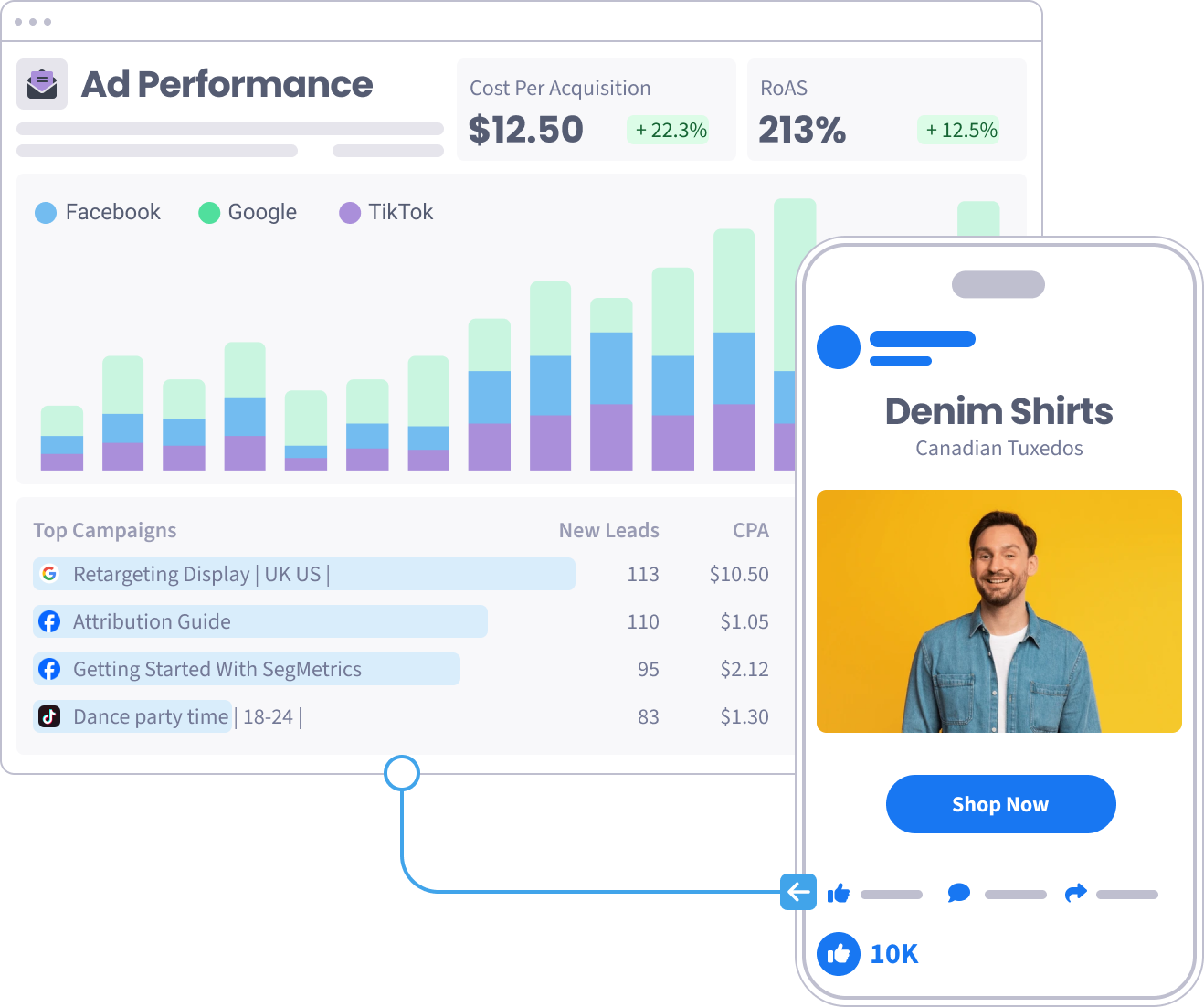
SegMetrics Optimizes
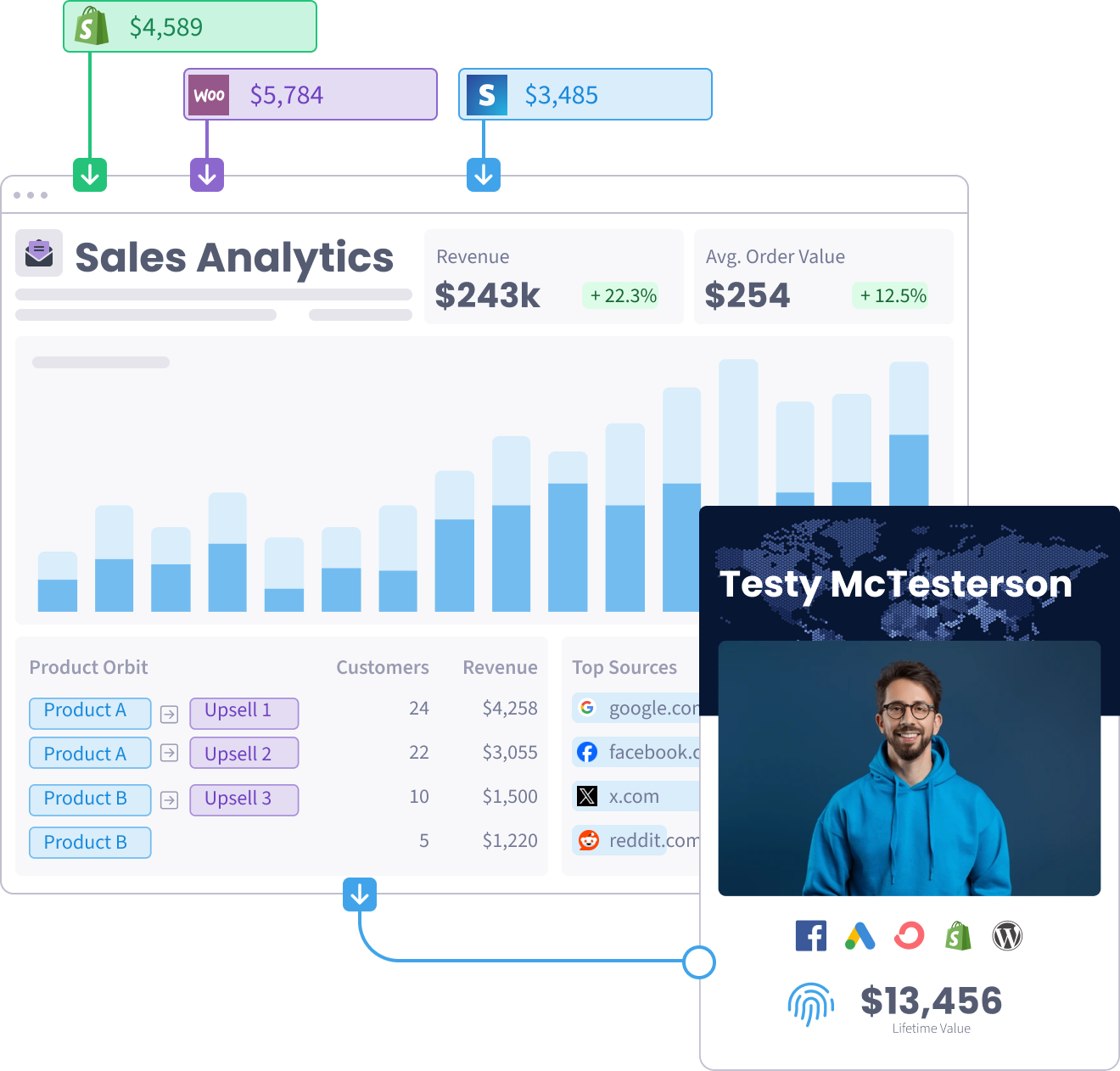
A sale shouldn’t be the end of the journey—it’s the beginning. Learn what keeps customers coming back for more.
With SegMetrics you can:
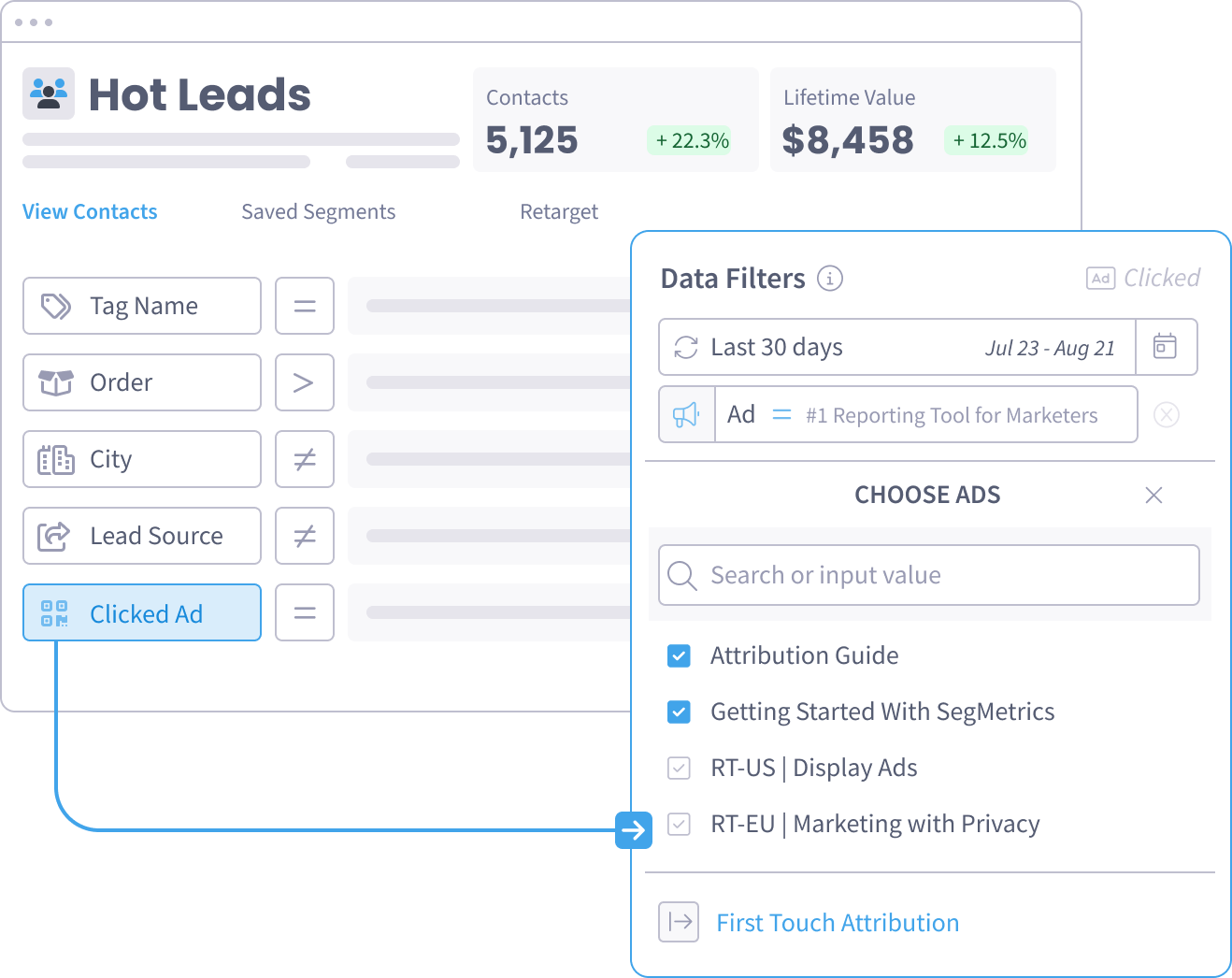
DIAGNOSTIC SEGMENTATION
SegMetrics syncs with your email marketing platform or CRM. This means you can filter by custom fields and tags to identify contacts who have clicked an ad, attended a webinar, joined a sales call, entered an email sequence and more.
Any action or attribute you track in your CRM, SegMetrics can filter your people based on it — and show you the impact it has on your bottom line.
Everything SegMetrics reads from your Google Tag Manager account, and how the connection is made.
Pixel tracking
Tracked with the SegMetrics pixel — first-party cookies and server-side events.
Basic
Core data sync — available on every SegMetrics plan.
Other
Combine your Google Tag Manager data with all the tools you love, and get smarter insights instantly with 130+ integrations.

Use Stripe’s software and APIs to accept payments, send payouts, and manage your business online

Connect your entire company – every team, app, workflow, and data source – in one unified CRM

Your all-in-one stop for all of your marketing software needs.

Measure and optimize your marketing campaigns through Facebook
