
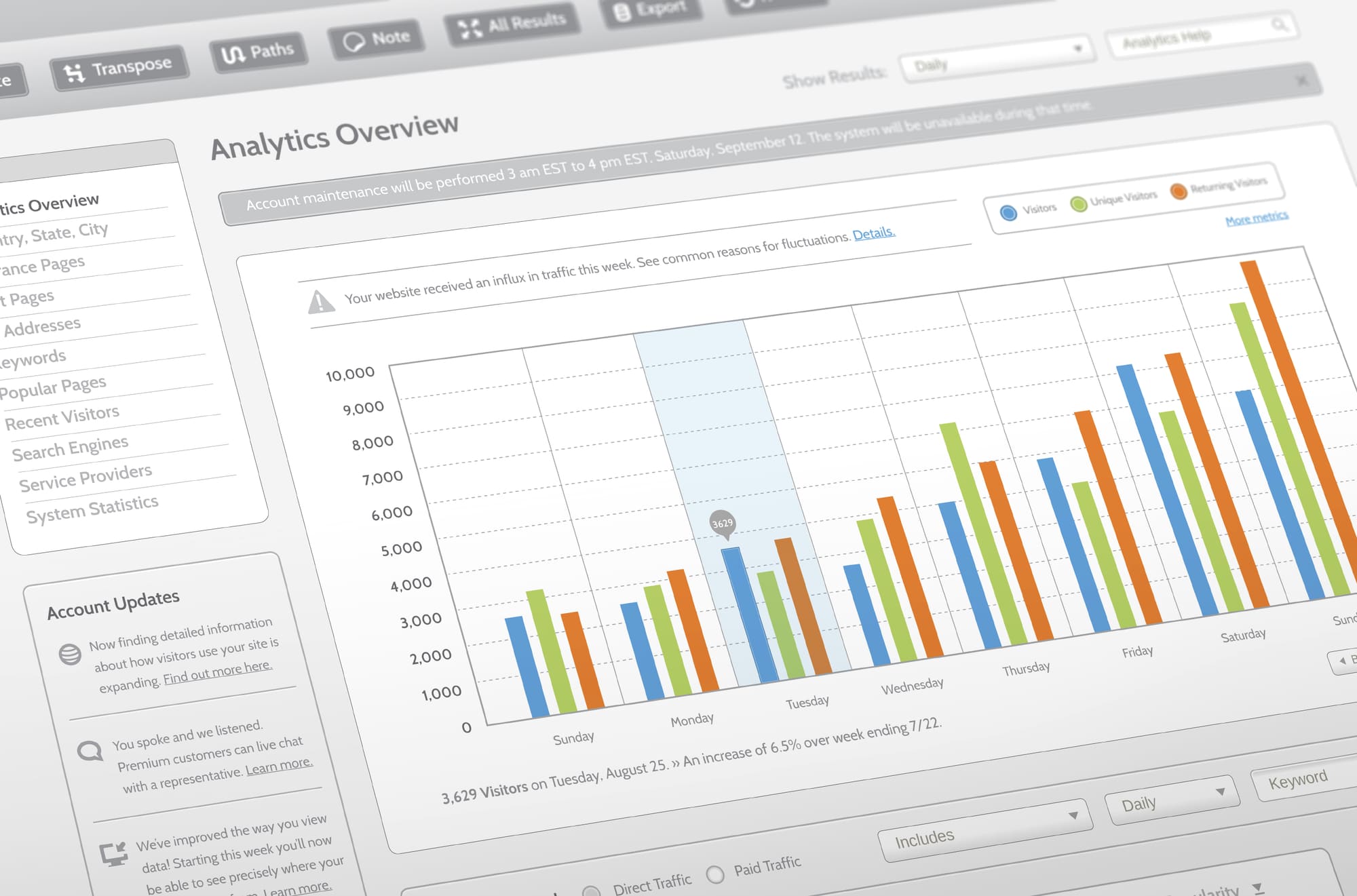
SegMetrics Channel Categorization
Users can now make a top-level comparison of how sources are performing, with automatic channel categorization. You might be used…

Articles
The PayPal integration for SegMetrics has levelled up! The deeper connection lets users delve even deeper into the customer information and the revenue from their marketing activities.
PayPal serves the online payment needs for countless businesses, whether they’re just getting started or already a thriving enterprise or marketplace.
They have grown from serving online auction websites. PayPal is being increasingly used on other ecommerce sites for the sale of goods such as electronics and household items, the sale of services such as web design and travel, and the sale of digital content.
While the ability to collect payment in a variety of ways is fantastic for boosting sales, it creates additional challenges for a marketing team analysing their performance.
The PayPal integration for SegMetrics brings in all of your payment data. The info is matched up with the customer from your email marketing and advertising platforms to help you see the big picture.
Once connected you can see how much a visitor from your ad campaigns eventually spent or the effect of welcome emails on LTV. The data is all imported directly, without needing to do weird tagging between platforms or injecting code into your website.
As well as revenue from direct purchases, the updated integration can feed in revenue data from subscriptions and invoice payments.
You will be able to see whether that influx of new customers stuck around or just tried your product for a single month, or directly measure the ad performance for long sales cycles with pauses for invoice payments.
It also feeds the product names into SegMetrics, so you can analyse performance for customers purchasing a particular item and how they have interacted with your funnel.
For more information check out our documentation.
It only takes two steps to connect PayPal:
– Go to the integrations page within the SegMetrics UI and choose PayPal
– Enter the API key found in your PayPal user settings
That’s all you need to get data flowing from PayPal into SegMetrics!

Vanessa Copley is a business automation specialist and the founder of Custom Client Journey. She specializes in client journey management and bringing the human touch to your automated experience. In her free time, she enjoys reading fantasy and horror novels, practicing Tang Soo Do and spending time with her amazing children, the love of her life, and their 15 birds and 2 dogs.
Users can now make a top-level comparison of how sources are performing, with automatic channel categorization. You might be used…
Snapchat Ads now plugs into SegMetrics through our native integration! Simply connect your account to see how your ad clicks…
The SegMetrics tracking snippet is now more powerful and easy to use. It still collects the same core Optin Values…
Start your 14-day free trial of SegMetrics today!