
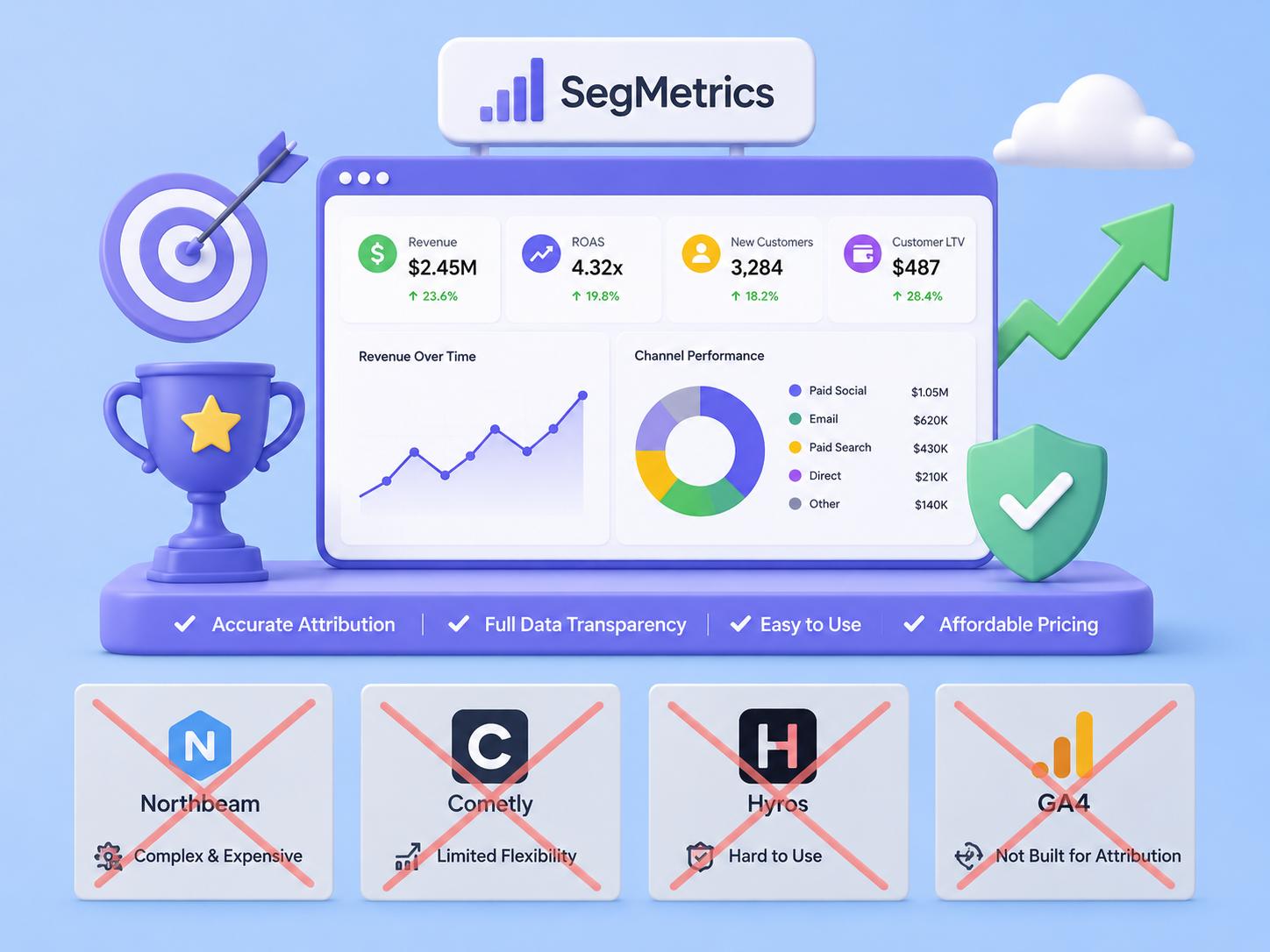
SegMetrics Alternatives: A Practical Guide to Choosing the Right Marketing Attribution Tool
What is an Alternative to SegMetrics? A Practical Guide You’re looking for a marketing analytics tool and considering your options. That’s a smart move. The…

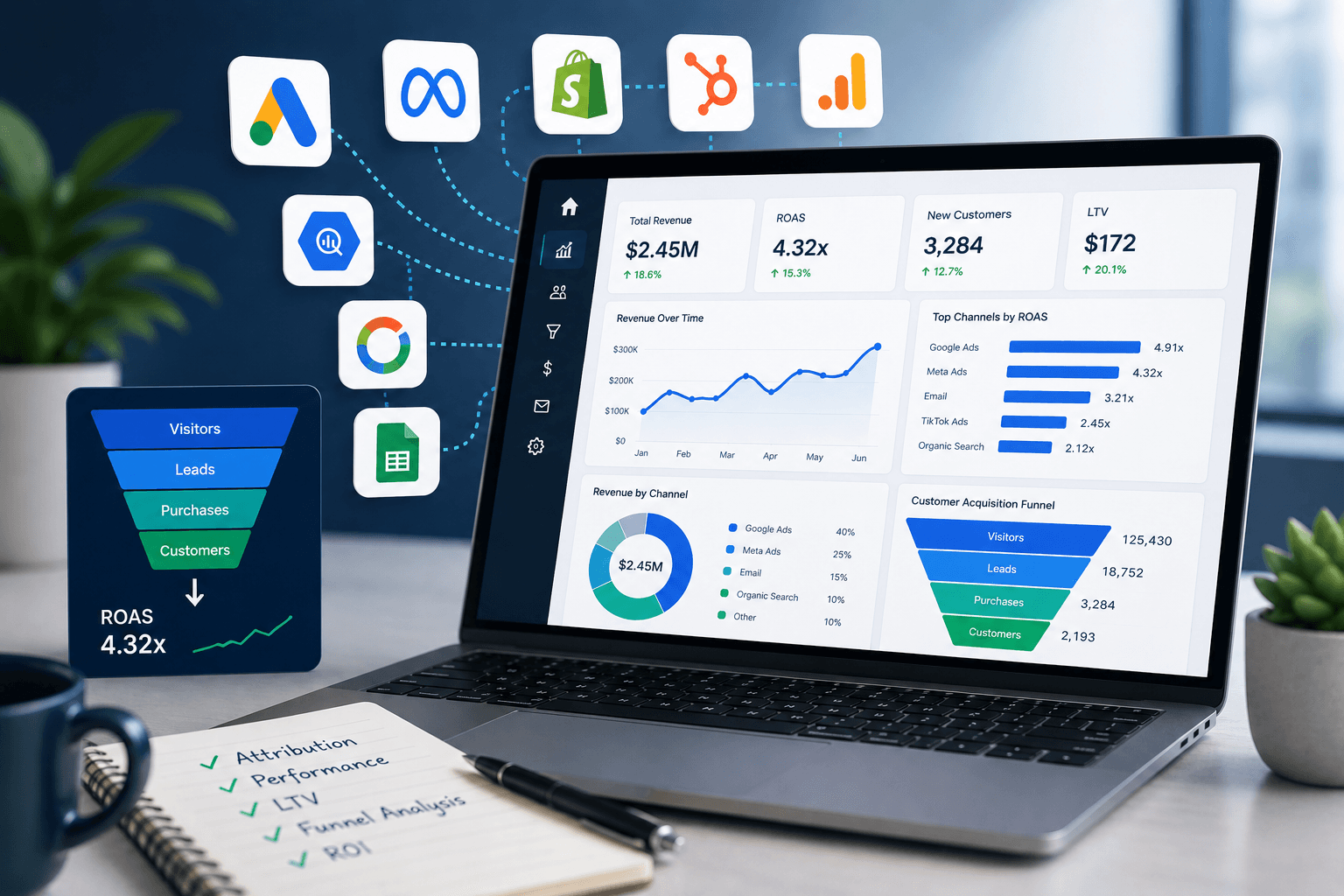
If you’re running paid ads, email campaigns, or content marketing, you already know the frustration: data is everywhere, but answers are nowhere. Your ad platform says one thing and your CRM says another. Your email tool has its own numbers. And none of them talk to each other.
Marketing reporting tools exist to solve exactly this problem. The right tool connects your data, surfaces what’s actually working, and helps you make faster, smarter decisions… without hiring a data engineer.
This guide breaks down the best marketing reporting tools available today, what each one is actually good at, and critically, which type of marketer each tool is built for.
Quick Answer: The best marketing reporting tool depends on your needs. For general BI and visualization, Power BI or Looker Studio work well. For marketers who need to track revenue attribution, customer lifetime value, and funnel performance across platforms, a specialist tool like SegMetrics is purpose-built for the job.
Marketing reporting tools are software platforms that collect, organize, and visualize data from your marketing channels, including paid ads, email, CRM, and checkout platforms, into dashboards and reports you can actually act on.
A good marketing reporting tool should answer questions like:
Most general analytics tools can answer some of these questions — but rarely all of them. That’s why choosing the right type of marketing reporting tool matters as much as choosing a specific platform.
Before diving into specific platforms, it helps to understand the main categories:
1. Business Intelligence (BI) Tools
These are general-purpose data platforms like Tableau, Power BI, and Looker. They can connect to almost any data source and build highly customized dashboards — but they require significant technical setup and often a dedicated analyst to maintain.
2. Native Platform Analytics
Google Analytics, Meta Ads Manager, and similar tools give you reporting within a single platform. They’re useful for channel-specific insights but create data silos that make cross-channel attribution nearly impossible.
3. Marketing Analytics & Attribution Platforms
These are purpose-built for marketers. They connect multiple data sources (ads, email, CRM, payments) and focus on revenue attribution, funnel analysis, and customer lifetime value — without requiring engineering resources.
4. Dashboard & Visualization Tools
Tools like Google Looker Studio and Databox specialize in building visual dashboards from existing data sources. They’re great for reporting but limited in their analytical depth.
Pro Tip: If your primary question is ‘which marketing activities are making us money?’ — you need an attribution platform, not a general BI tool. The setup cost and complexity of tools like Tableau is rarely worth it for marketing teams without a dedicated data engineer.
| Tool | Best For | Pricing | Limitation |
| Google Looker Studio | Google channel reporting | Free | Limited cross-channel attribution |
| Power BI | Enterprise BI teams | From $10/user/mo | Requires technical setup |
| Tableau | Data analysts & large orgs | From $75/user/mo | Steep learning curve |
| Databox | Marketing dashboards | Free–$299/mo | Surface-level metrics only |
| Triple Whale | Shopify ecommerce brands | From $129/mo | Limited to ecommerce |
| SegMetrics | Revenue attribution & LTV | From $175/mo | Focused on marketing (not ops) |
Google Looker Studio is the default free reporting tool for marketers already in the Google ecosystem. It connects natively to Google Analytics, Google Ads, Search Console, BigQuery, and dozens of third-party sources via partner connectors. You can learn more at lookerstudio.google.com.
Best for: Marketers who primarily need to report on Google Ads and organic search performance.
Strengths: Free, easy to use, excellent Google integrations, shareable reports.
Limitations: Becomes slow with large datasets. Limited data modeling means you can’t easily calculate metrics like customer LTV or multi-touch attribution across platforms.
Looker Studio is an excellent starting point, but most growing marketing teams quickly outgrow it — especially once they need to track revenue attribution beyond a single channel.
Power BI is Microsoft’s flagship BI platform and one of the most widely used marketing reporting tools in enterprise environments. It integrates tightly with Excel, Azure, and the broader Microsoft 365 ecosystem. More at powerbi.microsoft.com.
Best for: Companies already using Microsoft tools, or those with a dedicated analyst to manage the platform.
Strengths: Powerful data modeling, competitive pricing for Microsoft shops, handles large data volumes well.
Limitations: Significant setup time required. Marketing-specific reporting requires custom configuration. Not plug-and-play for most marketing teams.
Tableau is the gold standard for data visualization, famous for its interactive, beautiful dashboards. It’s used by data teams at large organizations for complex, exploratory analysis. See tableau.com.
Best for: Organizations with a dedicated data team that needs deep, ad-hoc analytical capability.
Strengths: Unmatched visualization flexibility, strong community, powerful analytical depth.
Limitations: Expensive (from ~$75/user/month). Steep learning curve. Getting marketing attribution data into Tableau in a usable format is a significant data engineering project.
Databox is a marketing dashboard tool focused on pulling KPIs from multiple sources into a single visual display. It’s popular with agencies for client reporting. Learn more at databox.com.
Best for: Agencies building marketing dashboards for clients, or teams that want a quick overview of top-level metrics.
Strengths: Easy to set up, wide range of integrations, good for real-time KPI monitoring.
Limitations: Primarily a display tool — it surfaces metrics that exist in other platforms but doesn’t calculate new ones. Not suited for attribution modeling or LTV analysis.
Triple Whale is a marketing analytics platform built specifically for Shopify brands. It centralizes ecommerce data from paid ads, email, and your store to give DTC brands a clearer view of their true ROAS. Details at triplewhale.com.
Best for: DTC ecommerce brands running on Shopify.
Strengths: Strong post-iOS attribution for ecommerce, clean UI, good ad-level reporting.
Limitations: Designed specifically for ecommerce. Not suitable for SaaS, info products, coaching, or course-based businesses.
SegMetrics is a marketing analytics and attribution platform built for marketers who sell online — including course creators, coaches, SaaS companies, agencies, and ecommerce businesses. It connects your email platform, CRM, ad accounts, and payment processors to show you exactly which marketing activities are generating revenue and long-term customer value. Website: segmetrics.io
What Makes SegMetrics Different
Most marketing reporting tools show you what happened — pageviews, clicks, open rates. SegMetrics shows you what those actions were worth. It tracks each lead from their very first touchpoint all the way through to a purchase (and beyond), connecting ad spend to actual revenue at the individual contact level.
Key Features
Who SegMetrics Is Built For
SegMetrics is purpose-built for online businesses where the customer journey spans multiple platforms — a Facebook ad leads to an opt-in page, then an email sequence, then a webinar, then a sale. Most tools lose the thread somewhere in that chain. SegMetrics maintains it.
It’s particularly powerful for:
Google Analytics tells you how many people visited your site. SegMetrics tells you which visitors became customers, how much they spent, and which marketing activities drove them there. It’s the difference between vanity metrics and revenue intelligence.
Example: A course creator running ads to a webinar funnel can use SegMetrics to see that leads from Facebook ads have a 90-day LTV of $340, while leads from Google Ads have a 90-day LTV of $180 — even if both have a similar cost-per-lead. That insight changes where you spend your next ad dollar.
Pricing
SegMetrics starts at $57/month and scales based on the number of contacts in your account. A 14-day free trial is available. See full pricing at segmetrics.io/pricing.
How to Choose the Right Marketing Reporting Tool
The best marketing reporting tool isn’t the most powerful one — it’s the one that answers your specific questions without requiring a data engineer to maintain it. Here’s a simple framework:
Step 1: Define Your Core Question
What is the single most important thing you need your reporting tool to answer? Examples:
Step 2: Audit Your Tech Stack
List every platform your marketing data lives in — your email tool, CRM, ad platforms, and payment processor. Your reporting tool needs to connect to all of them. Verify integrations before committing to any platform.
Step 3: Consider Your Team’s Technical Capacity
Tools like Tableau and Power BI are incredibly powerful but require significant technical investment to configure and maintain. If your marketing team doesn’t have a dedicated analyst, a purpose-built platform will deliver more value faster.
Step 4: Match the Tool to Your Business Model
Q. What is a marketing reporting tool?
A. A marketing reporting tool is software that aggregates data from your marketing channels — ads, email, CRM, and payments — and presents it in dashboards and reports. The goal is to give marketers a clear picture of which activities are working, what’s driving revenue, and where to invest next.
Q. What’s the difference between marketing reporting tools and Google Analytics?
A. Google Analytics tracks website behavior — sessions, pageviews, bounce rates, and conversions on your site. Marketing reporting tools go further: they connect traffic data to revenue data, track leads across multiple touchpoints, and calculate metrics like customer lifetime value and true return on ad spend.
Q. Do I need a marketing reporting tool if I already use a CRM?
A. A CRM tracks contacts and deals, but it doesn’t connect ad spend to revenue or show you which marketing campaigns are generating your most valuable customers. Marketing reporting tools fill that gap by stitching together your ad platforms, email, CRM, and payment data into a unified attribution view.
Q. What is marketing attribution?
A. Marketing attribution is the process of identifying which marketing touchpoints influenced a customer’s decision to purchase. Single-touch attribution (like last-click) gives all credit to the final touchpoint. Multi-touch attribution distributes credit across the full customer journey — giving you a more accurate picture of what’s actually working.
Q. How much do marketing reporting tools cost?
A. Pricing varies widely. Google Looker Studio is free. Databox starts at free and goes up to ~$299/month. SegMetrics starts at $57/month. Enterprise tools like Tableau start around $75/user/month and can run into thousands monthly for larger teams.
Q. What’s the best marketing reporting tool for small businesses?
A. For small businesses just getting started, Google Looker Studio is a solid free option for Google-channel reporting. For businesses that need to connect ad spend to actual revenue — particularly those running email funnels or paid traffic — SegMetrics offers the most value relative to complexity.
There’s no single best marketing reporting tool. The right choice depends on your business model, your tech stack, and the questions you most need answered.
If you’re a large enterprise with a data team, Power BI or Tableau gives you maximum flexibility. Or if you need free dashboards for Google data, Looker Studio works well. If you’re an ecommerce brand on Shopify, Triple Whale is purpose-built for you.
And if you’re an online business — course creator, SaaS, coach, or agency — who needs to understand the real revenue impact of your marketing across multiple platforms, SegMetrics is built for exactly that job.
→ Start your free 14-day trial at segmetrics.io
Denise Cullom is an innovative and goal-oriented Operations Lead committed to professional development and expert leadership of teams, systems, and profitability. Recognized for repeatedly surpassing business goals, she is a decisive leader and strategic planner known for rallying stakeholders behind new initiatives. Denise is adaptable to changing business needs and market conditions, continuously driving success and growth.
What is an Alternative to SegMetrics? A Practical Guide You’re looking for a marketing analytics tool and considering your options. That’s a smart move. The…

Beyond Google Analytics: How to Choose the Right Marketing Analytics Platform You’re running ads, sending emails, and posting on social media. Your dashboar…

Which Marketing Tools Actually Perform? A Data-First Guide You’re asking one of the most common questions in marketing: “Which are the top-performing market…

Start your 14-day free trial of SegMetrics today!