
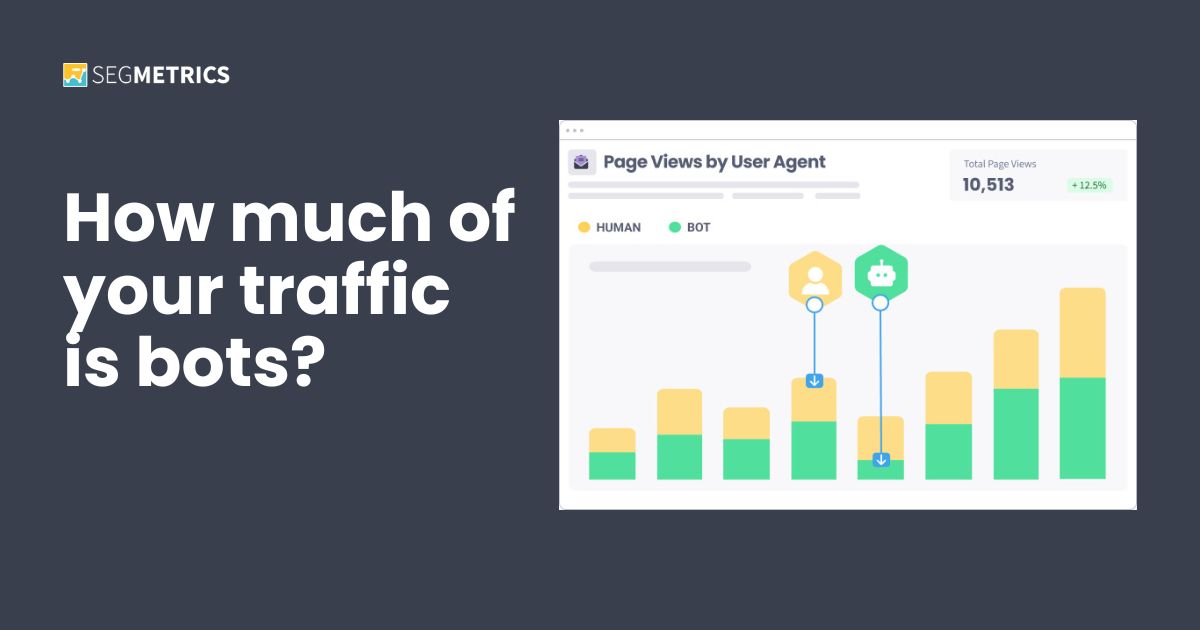
Introducing User Agent Tracking
More than half of all web traffic today is bots. How does your site compare? See how much of yours is actually human, not padding.

If you’ve ever tried to get a straight answer about what’s actually working in your marketing, you know how hard that is.
Platforms don’t talk to each other. Your ad dashboard says one thing, your CRM says another, and asking an AI to sort it out usually gets you an answer that’s technically correct and completely useless. And of course it’s useless! Your AI doesn’t have the full-funnel context or the optimization methodology to know what the numbers actually mean.
We just fixed this problem.
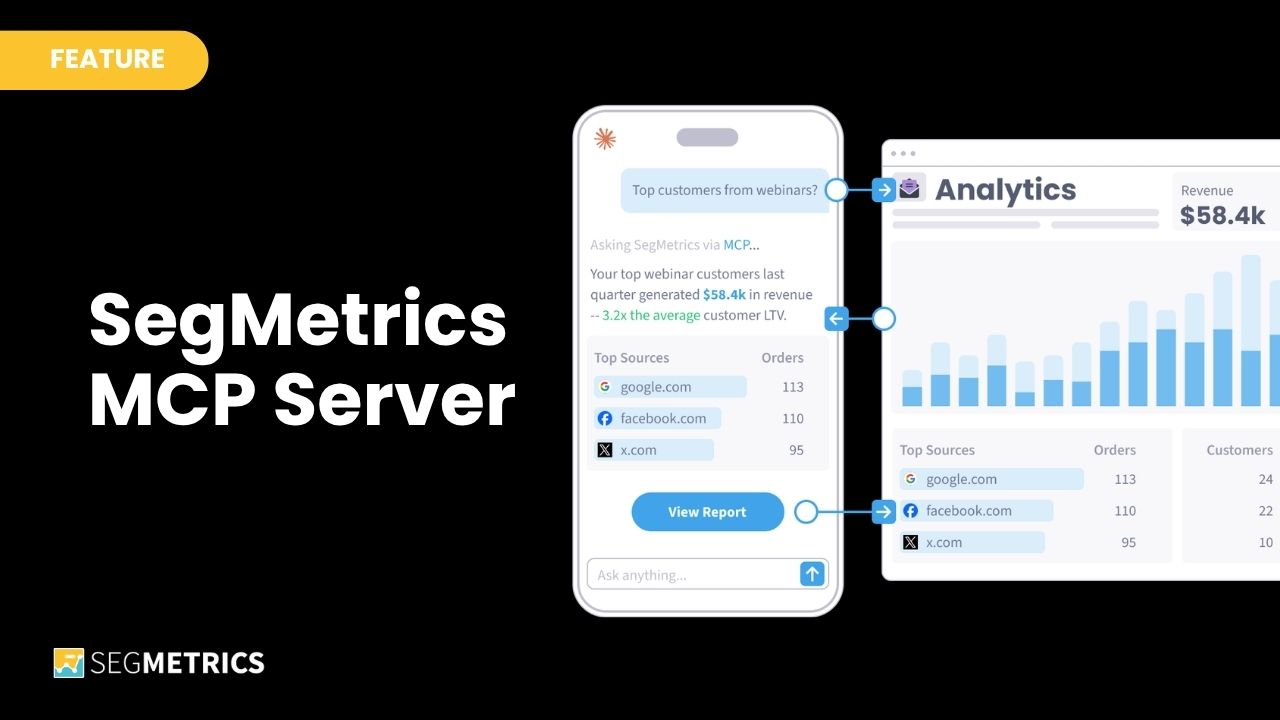
Now you can connect SegMetrics to Claude, ChatGPT, or any MCP-compatible AI tool. Gone are the days of handing your AI raw data to guess at. You can give it a live connection to your actual account — parsed, normalized, and structured by experts with decades of funnel analysis experience.
With the SegMetrics MCP Servier, when you ask your AI a data question, it doesn’t just pull a surface-level metric. It determines how to best query the data, creates reports, reads the data, spots anomalies, goes one level deeper, and comes back with a real finding you can take action on.
See the SegMetrics MCP Connector in action 👇
Yes, the SegMetrics MCP Server works with your actual SegMetrics data. That means you’re working accurate, full-funnel, lifetime attribution data that’s already parsed and normalized. No exports, no uploads, no guessing.
But there’s even more baked into our MCP Server:
All of it, ready the moment you open a conversation with your AI.
“What’s my CPA this month?” “Where are my best leads coming from?” “Which product is selling to repeat customers?”
These are questions you shouldn’t have to spend 20 minutes chasing down. With the SegMetrics MCP Connector, you don’t open a dashboard, set a date range, or export anything. You just ask — and get a real answer from your live data in seconds.
You probably have a list of questions about your marketing you’ve never gotten to. Which funnel step is bleeding the most. Which segment quietly stopped converting. Which traffic source produces buyers who actually stick around. You had the data. You didn’t have the analyst. Now you don’t need one because the SegMetrics MCP Server is like having a senior marketing analyst, on call, 24/7, who already knows your data.
Your webinar funnel isn’t converting the way it used to. You can see the drop-off. You just can’t see why.
Ask something like: “Walk me through my webinar funnel and tell me where I’m losing people.” The MCP Server doesn’t just pull the drop-off report — it chains reports together automatically. You’ll see where people are falling off, who those people are, where they came from, and whether the problem is new or has been quietly building for months.
That kind of follow-up analysis used to mean opening three more reports, filtering manually, and comparing tabs. Here it takes 90 seconds and you never leave the conversation.
Instead of opening your dashboards and hoping you notice something important, try building a standing question into your week. Monday morning: “What changed in my marketing last week?” Or: “What do I need to know about my funnel this week?”
You’re not replacing your dashboards. You’re adding a layer that points at what actually deserves your attention so you spend your time deciding instead of looking.
And if you’re already comfortable running AI automations, the next step is handing this off entirely: set up an agent that runs the analysis on a schedule and pings you when something needs your attention.
Bottom line: What would you ask if a senior SegMetrics analyst was available every time you opened Claude?
To test-drive the SegMetrics MCP Connector with your own data, start your 14-day free trial today.
Data beats opinion. 🚀
Ryan Johnson is a content strategist and product marketing manager with over 15 years experience bringing brands and products to life with integrated editorial and sales collateral, value-based messaging, and GTM strategies.
More than half of all web traffic today is bots. How does your site compare? See how much of yours is actually human, not padding.
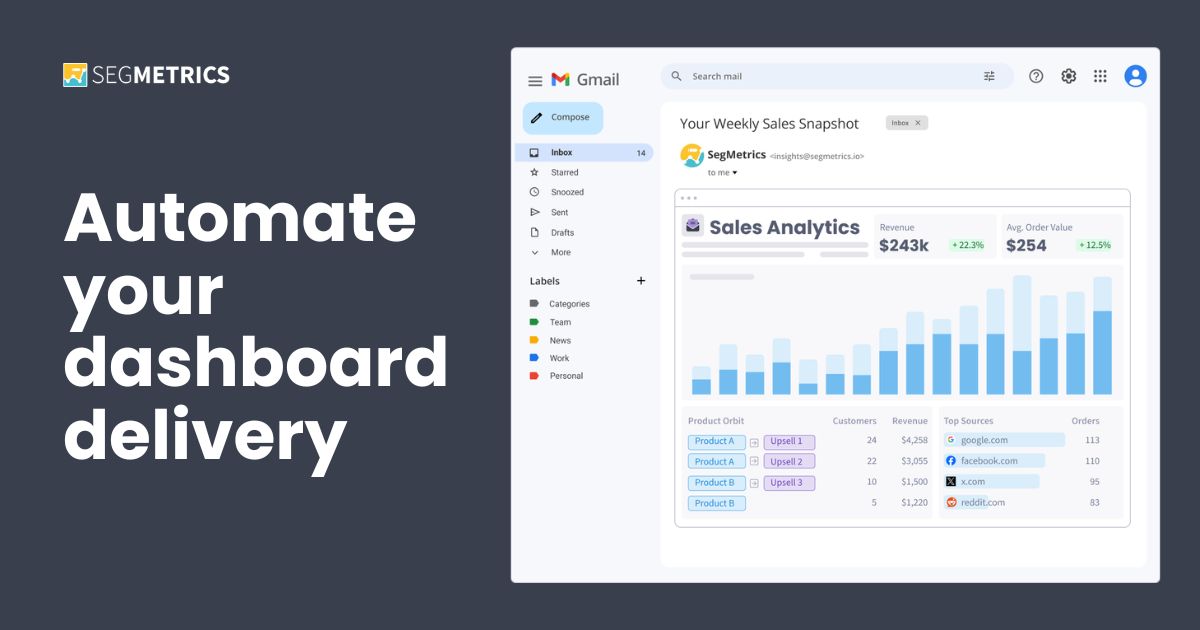
Deliver your SegMetrics dashboards straight to any inbox or Slack channel — on time. Your reporting is now automated.
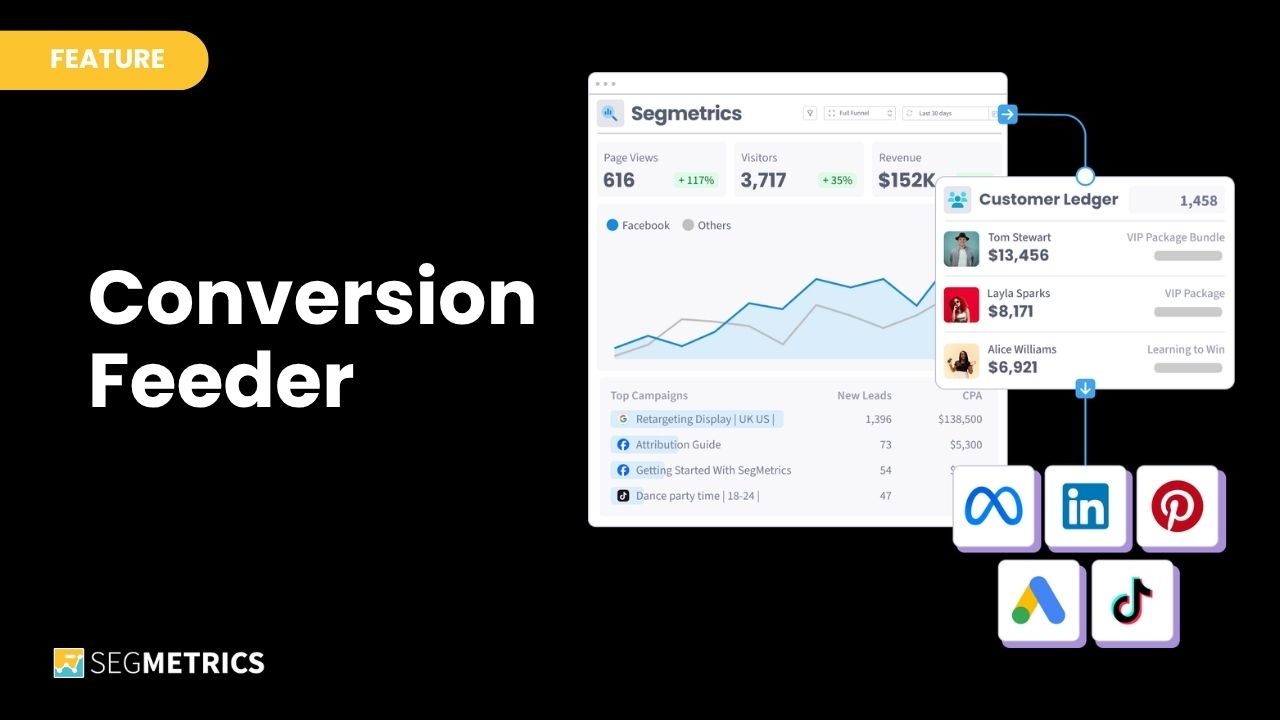
Stop training your ads on the wrong customers. Conversion Feeder sends filtered conversion data to Facebook, Google, TikTok, and Bing — every day, automatically — so your ad targeting gets sharper without you touching a spreadsheet.
Start your 14-day free trial of SegMetrics today!