
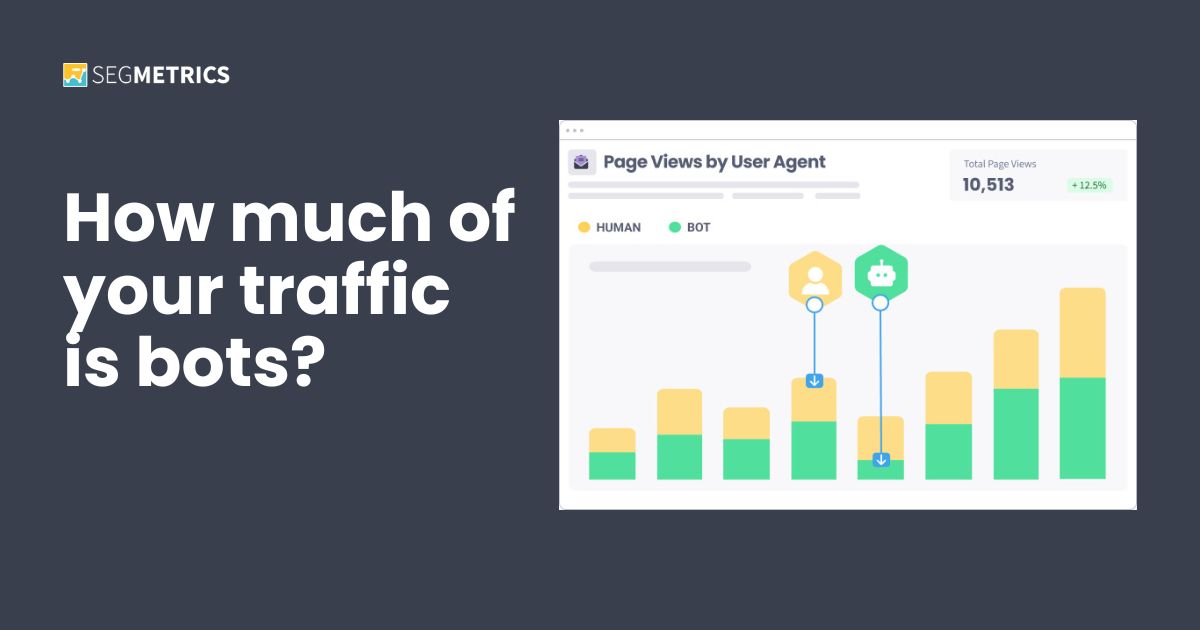
Introducing User Agent Tracking
More than half of all web traffic today is bots. How does your site compare? See how much of yours is actually human, not padding.

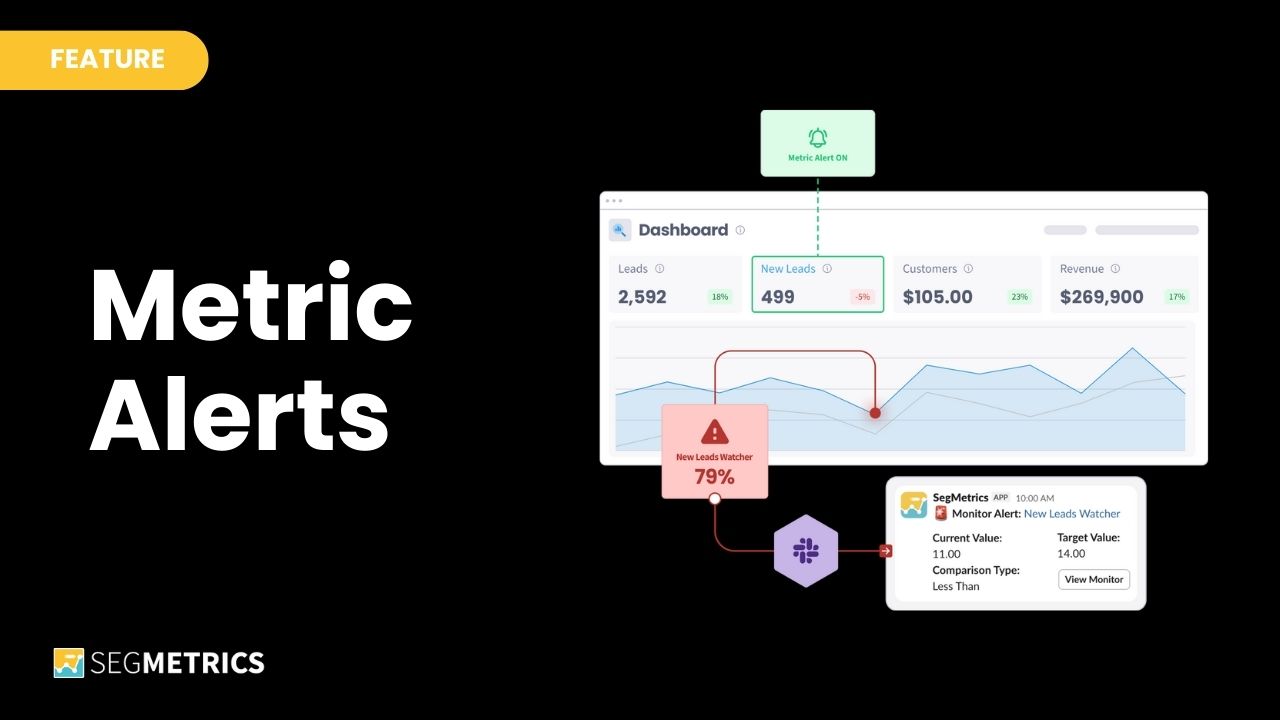
Today, we’re pumped to announce a cool new feature in SegMetrics: Metric Alerts.
Metric Alerts watch your KPIs 24/7 and ping you if there’s a problem.
No more manually checking all of your marketing dashboards manually to ensure everything is on track. No more forgetting about a metric for weeks … only to discover it’s tanked while you were distracted.
Now your metrics can tap you on the shoulder anytime they need attention.
Metrics Alerts are simple but powerful. Here’s how they work:
Metric Alerts give you the peace of mind of checking your metrics constantly — without you actually having to waste your time doing it!
Here are three ways to get started with Metric Alerts today:
Pick a part of your business you’re always worried about. That might be conversions, ad performance, orders, subscription, churn. Whatever keeps you up at night is a great place to start.
Set up your Metric Alerts, set your thresholds, pick daily or weekly checks, and now that monitoring happens automatically. You no longer have to spending mental energy wondering if something’s broken. You’re gonna know.
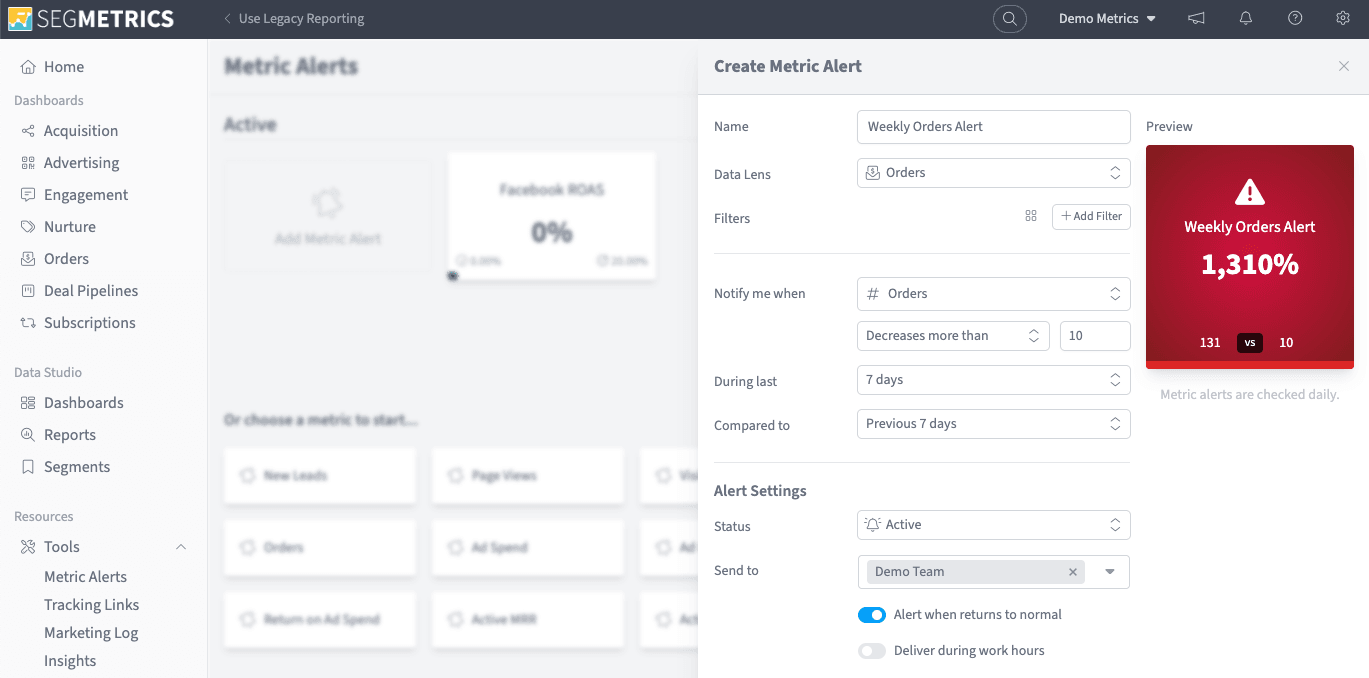
Use alerts to catch the weird stuff early. For example, what happens if your visitors suddenly jumps 300%? That’s not always good news. It could be a bot attach, a broken automation flooding your pixel, or a viral moment that you’ll want to capitalize on. Either way, you’ll want to know immediately — not weeks or months later.
Set up Metric Alerts to catch sudden spikes or drops in your critical metrics. Then you’ll never be surprised if something unexpected happens.
This one’s for agencies. If you’re managing ad spend across multiple clients, set up budget alerts for each account. Get notified at 50% spend — then again at 75%.
No more accidentally blowing through a client’s budget. No more logging into 10 different accounts every morning just to check. Metric Alerts helps you scale your agency’s services across even more accounts.
To test-drive Metric Alerts with your own data, start your 14-day free trial today.
Data beats opinion. Growth beats guesswork. 🚀
Ryan Johnson is a content strategist and product marketing manager with over 15 years experience bringing brands and products to life with integrated editorial and sales collateral, value-based messaging, and GTM strategies.
More than half of all web traffic today is bots. How does your site compare? See how much of yours is actually human, not padding.
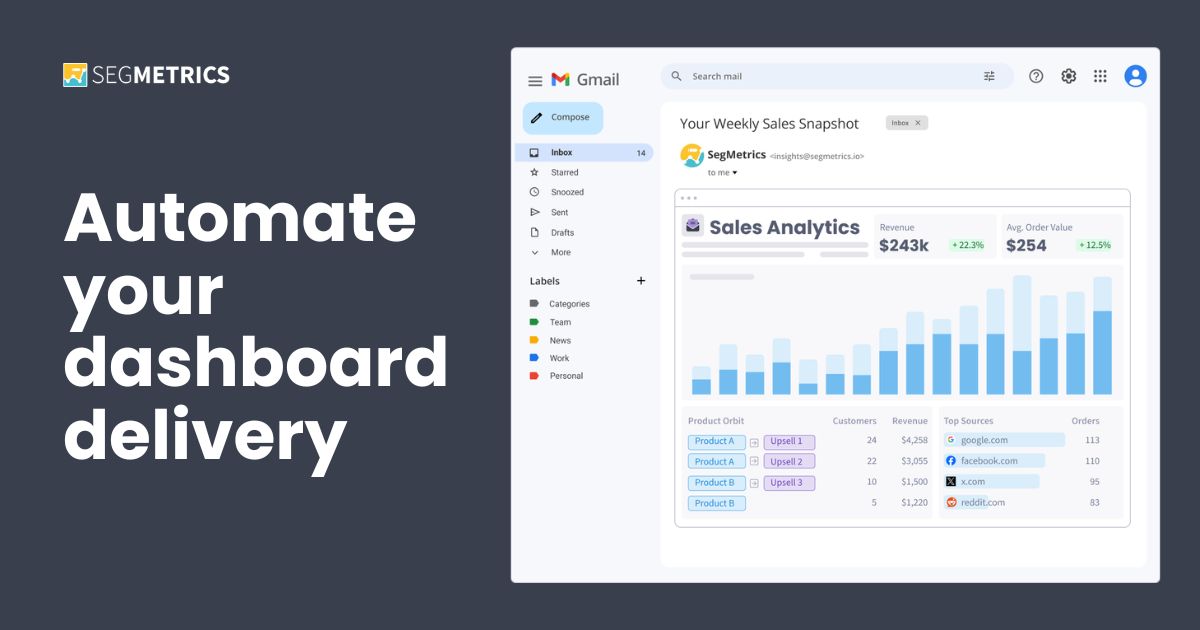
Deliver your SegMetrics dashboards straight to any inbox or Slack channel — on time. Your reporting is now automated.
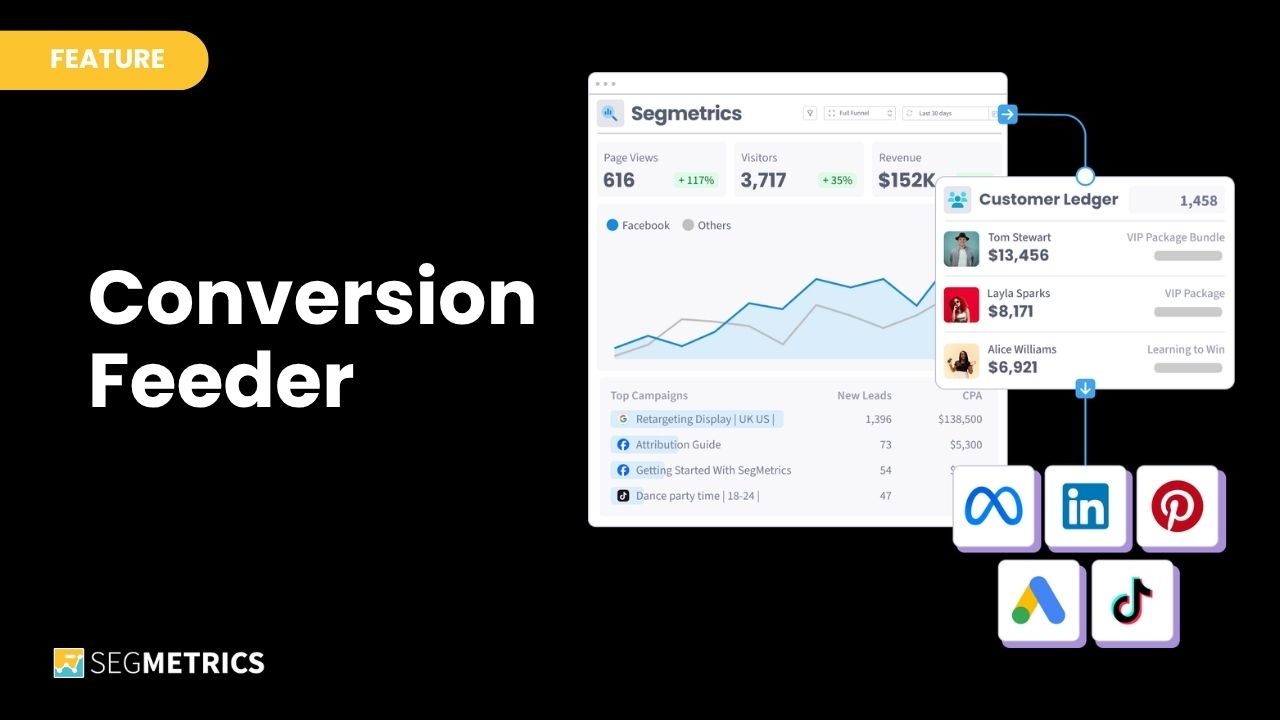
Stop training your ads on the wrong customers. Conversion Feeder sends filtered conversion data to Facebook, Google, TikTok, and Bing — every day, automatically — so your ad targeting gets sharper without you touching a spreadsheet.
Start your 14-day free trial of SegMetrics today!