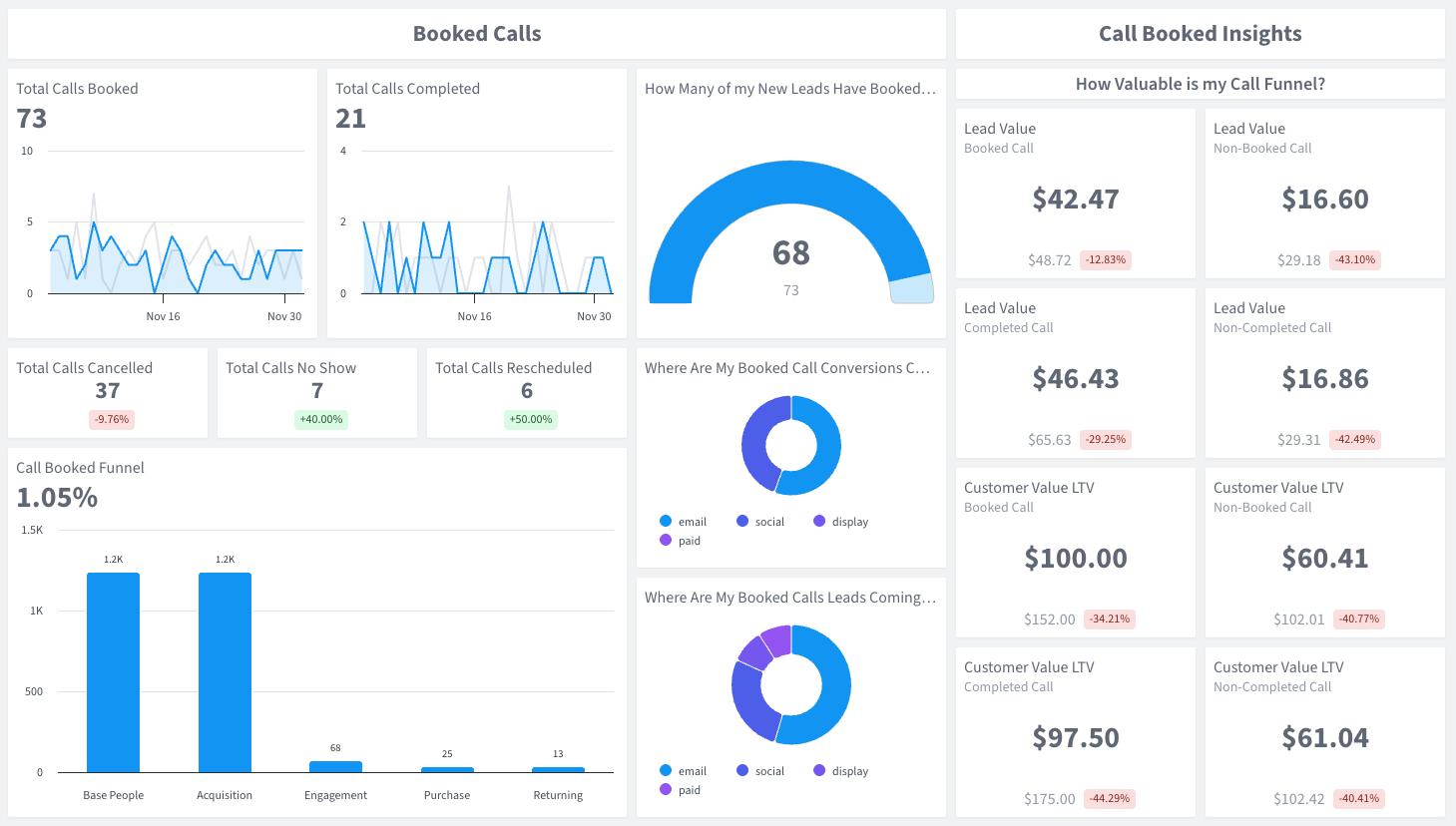
Total Calls Booked
The total number of sales calls scheduled by prospects during a specific time period

See how Calendly bookings convert to revenue — track every stage from scheduling to close.
Calendly makes scheduling effortless — but once a call is booked, do you know what it’s actually worth?
SegMetrics’ Calendly Call Funnel Sales Performance Dashboard connects your Calendly scheduling data to real revenue. Go beyond event types and booking confirmations to see the full financial impact of your sales call funnel.
Track how many Calendly bookings turn into completed calls, how many get cancelled or no-showed, and how many convert into paying customers. Monitor lead value and customer value at every stage — from time slot to closed revenue.
Your Calendly links are generating bookings.
The total number of sales calls scheduled by prospects during a specific time period
The number of booked calls that actually took place with the prospect showing up
The number of scheduled calls that were cancelled by either the prospect or sales team
The number of scheduled calls where the prospect failed to attend without cancelling
The number of calls that were moved to a different date or time
A visualization showing the flow from booked calls through completion to conversion
The count of new leads who scheduled a sales call
A breakdown showing which marketing channels drive conversions via the sales call funnel
A breakdown showing which marketing channels drive leads via the sales call funnel
The average revenue potential of leads at different stages (booked vs non-booked, completed vs non-completed call)
The lifetime value of customers who came through your call funnel (booked vs non-booked, completed vs non-completed call)
Why this Dashboard
Calendly is built for scheduling automation — it handles event types, team scheduling, and integrations beautifully. But Calendly’s native analytics only show you booking volume and activity. They can’t tell you which bookings turned into revenue, or how much a completed call is worth compared to a no-show. This dashboard fills that gap by connecting your Calendly scheduling data to downstream revenue, giving you a complete picture of your call funnel’s financial performance.
Who it's for

What you can do
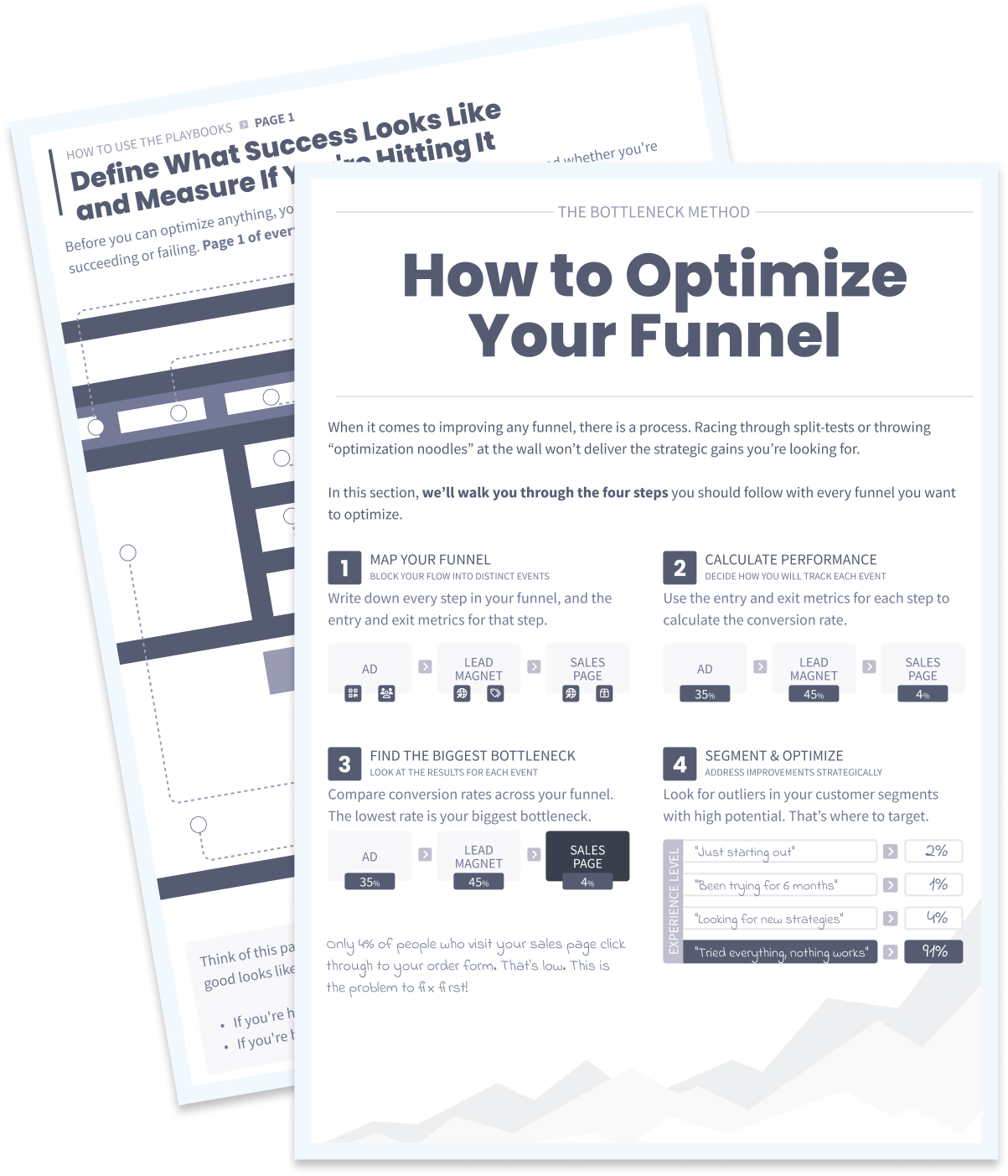
Better data helps you optimize your sales calls funnel. If you have high bookings but low completion rates, you’ve got a show-up problem. If completions are high but conversions are low, your sales process needs work. If bookings are low but conversions are high, you’ve got a great funnel that needs more publicity.
How Often
We recommend you review this dashboard weekly to monitor call funnel health and identify trends. Sales managers and marketing teams should use it together to optimize both lead generation and conversion.
Integrations needed
The Calendly Call Funnel Sales Performance Dashboard requires a Calendly integration (to track scheduled events and booking activity), your CRM (to track funnel stages), the SegMetrics tracking pixel, and optionally your payment processor if you collect payments outside your CRM. See our full list of integrations.
See all of our 100+ pre-built dashboards
See your entire call funnel — bookings, show rates, and closed deals — with full revenue attribution.
Track CallRail calls from first ring to closed deal and see exactly what each call is worth.
Connect Call Tracking Metrics data to real revenue and see which calls actually drive your bottom line.
This dashboard reads straight from the integration below. Connect it once and the template fills itself in.
How SegMetrics Works
When your data is fragmented across multiple tools, it’s hard to find answers to important questions about your marketing — like which ads bring in contacts with the highest LTV after 3, 6, and 12 months.
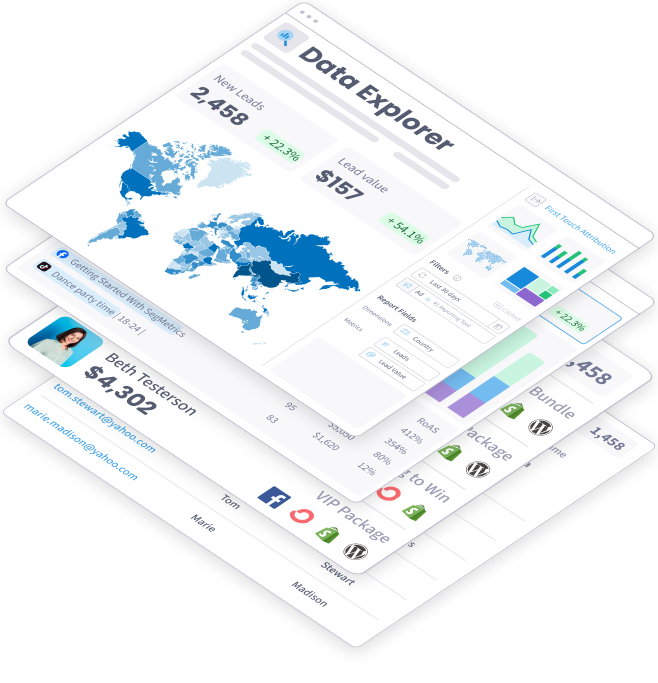
SegMetrics connects your data from all your marketing tools, including ad platforms, CRMs, email systems, payment processors and more. Find the hidden profits in your marketing.
Trusted by 3,000+ Marketers and Agencies











Since switching to SegMetrics, we’ve been able to rely on our dashboard in ways we just couldn’t with 'the other guys’.


It’s not enough for us to just track our ads right after the first click because someone may convert 6 months later. SegMetrics has made a huge difference in our ability to track what we are actually getting from our paid ads. We can even track the impact individual salespeople are having during the sales process.


SegMetrics gives you X-Ray vision to reveal what your customers are doing, how your marketing funnel is working...

Start your 14-day free trial of SegMetrics today!
