Impressions
The number of times your ads were displayed to users across your ad platforms

Connect your Microsoft Ads spend to real CRM conversions — see which Bing campaigns are actually driving revenue.
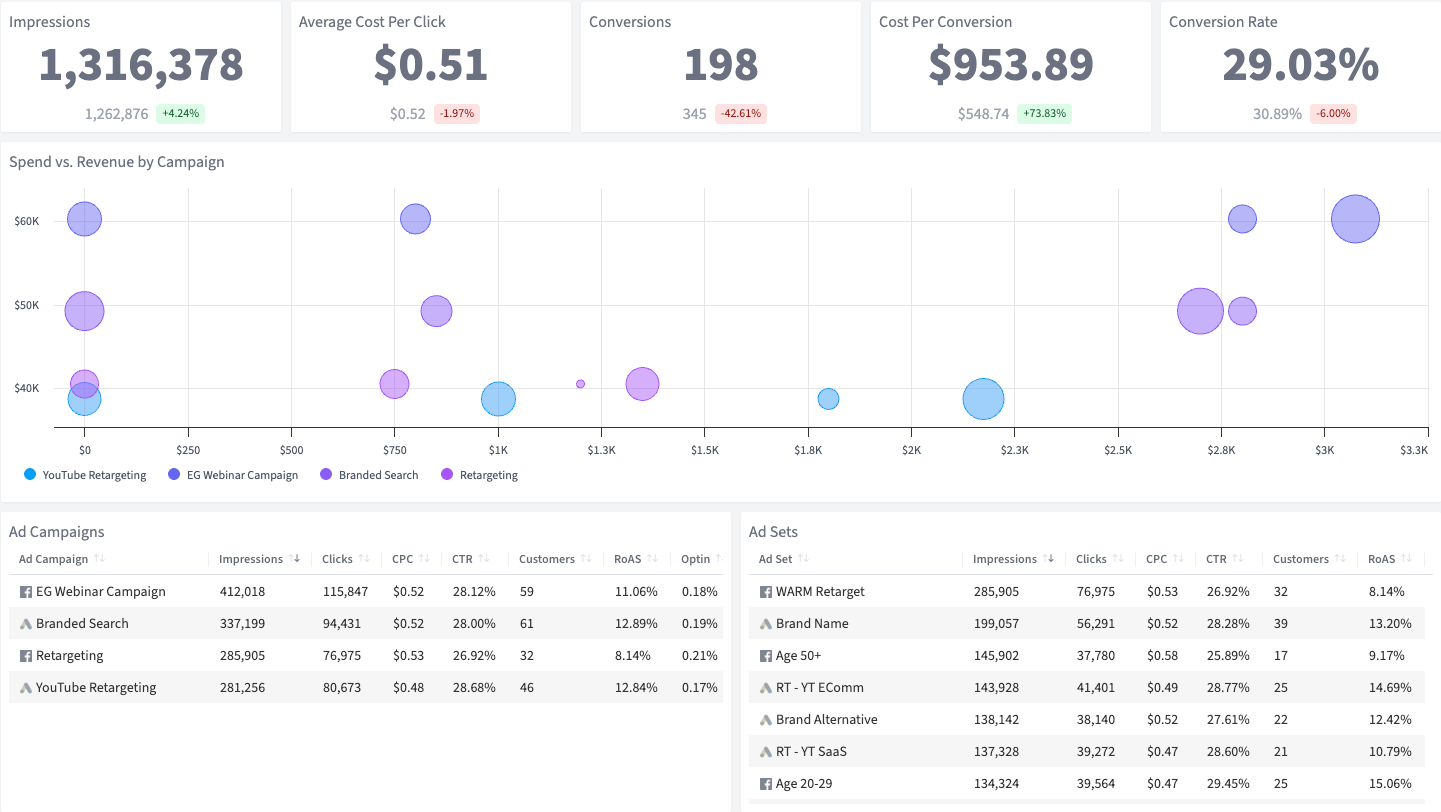
Microsoft Ads gives you access to Bing and the LinkedIn Audience Network — but its reporting tools leave a lot on the table. You see clicks and impressions, but connecting those to actual leads, customers, and revenue requires jumping between platforms.
SegMetrics’ Microsoft Ads Campaign Performance Overview Dashboard bridges that gap. It matches your Microsoft Ads spend against real CRM conversions, so you can see impressions, clicks, and conversion rates alongside actual revenue by campaign.
If you’re leveraging Bing’s lower CPCs, this dashboard proves that strategy is paying off.
The number of times your ads were displayed to users across your ad platforms
The average amount you pay each time someone clicks on one of your ads
The number of people who took a desired action (like becoming a lead) after clicking your ad
The average amount you spend to acquire one conversion from your ad campaigns
A comparison of how much you spent on each campaign versus the revenue it generated
Performance breakdown of your individual Microsoft Ads campaigns
Performance data for the ad groups within each Microsoft Ads campaign, showing granular results
Why this Dashboard
Microsoft Ads reaches users on Bing, Yahoo, and the LinkedIn Audience Network — an audience that skews higher-income and older than Google’s. But Microsoft’s built-in reporting focuses on surface-level metrics like clicks and impressions. It can’t tell you which campaigns are generating real leads in your CRM or driving downstream revenue. SegMetrics’ Microsoft Ads Campaign Performance Overview Dashboard fills that blind spot by connecting your ad spend to actual business outcomes.
Who it's for
What you can do
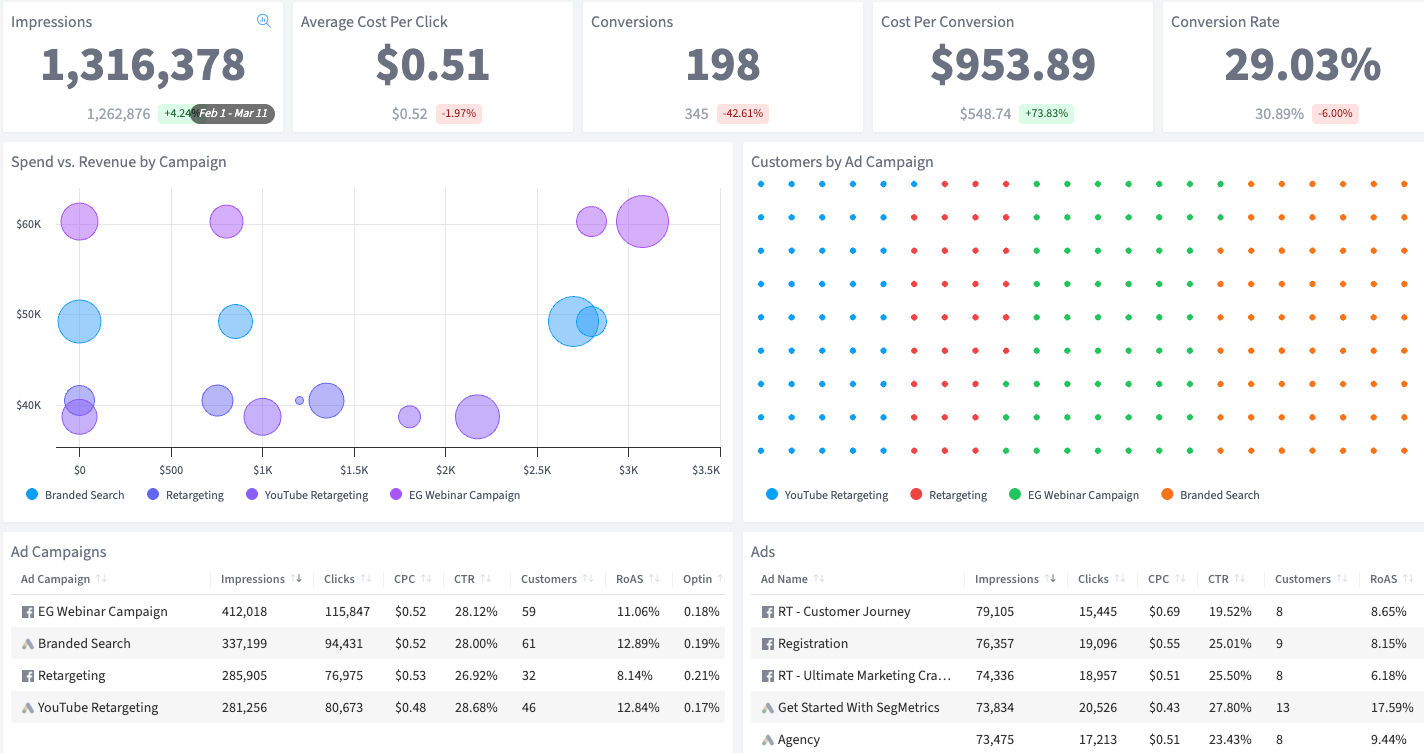
Track your campaigns from impression to conversion. Monitor your average cost per click and make sure it stays on target. See which ad sets are converting at the rates you expect, and identify underperformers before you waste more budget. Compare spend versus revenue by campaign to understand which efforts are paying off.
How Often
Check this dashboard daily or weekly to monitor campaign performance and catch issues early. Use it to optimize your ad spend and ensure your acquisition efforts stay efficient.
Integrations needed
The Microsoft Ads Campaign Performance Overview Dashboard requires a connection to Microsoft Ads and your CRM. The SegMetrics tracking pixel is also required. See our full list of integrations.
See all of our 100+ pre-built dashboards
Get a clear read on your Microsoft Ads performance — from spend and clicks to actual pipeline revenue.
Analyze every Microsoft Ads campaign, ad group, and keyword with lifetime performance data.
Track what happens after the swipe — connect TikTok ad clicks to real leads and revenue in your CRM.
This dashboard reads straight from the integration below. Connect it once and the template fills itself in.
How SegMetrics Works
When your data is fragmented across multiple tools, it’s hard to find answers to important questions about your marketing — like which ads bring in contacts with the highest LTV after 3, 6, and 12 months.
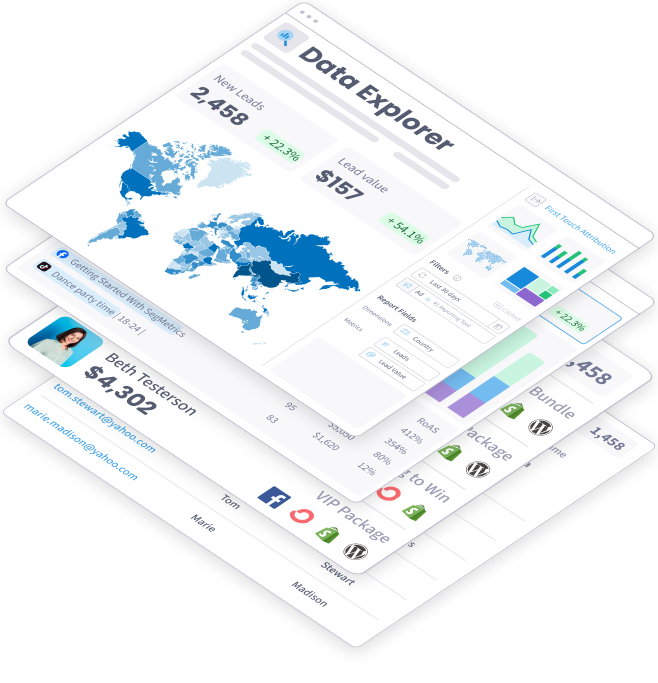
SegMetrics connects your data from all your marketing tools, including ad platforms, CRMs, email systems, payment processors and more. Find the hidden profits in your marketing.
Trusted by 3,000+ Marketers and Agencies











Since switching to SegMetrics, we’ve been able to rely on our dashboard in ways we just couldn’t with 'the other guys’.


It’s not enough for us to just track our ads right after the first click because someone may convert 6 months later. SegMetrics has made a huge difference in our ability to track what we are actually getting from our paid ads. We can even track the impact individual salespeople are having during the sales process.


SegMetrics gives you X-Ray vision to reveal what your customers are doing, how your marketing funnel is working...

Start your 14-day free trial of SegMetrics today!
