Ad Spend Timeline
The total amount spent on YouTube ads over time

Go beyond view counts — see which YouTube video ads are driving real leads and revenue.
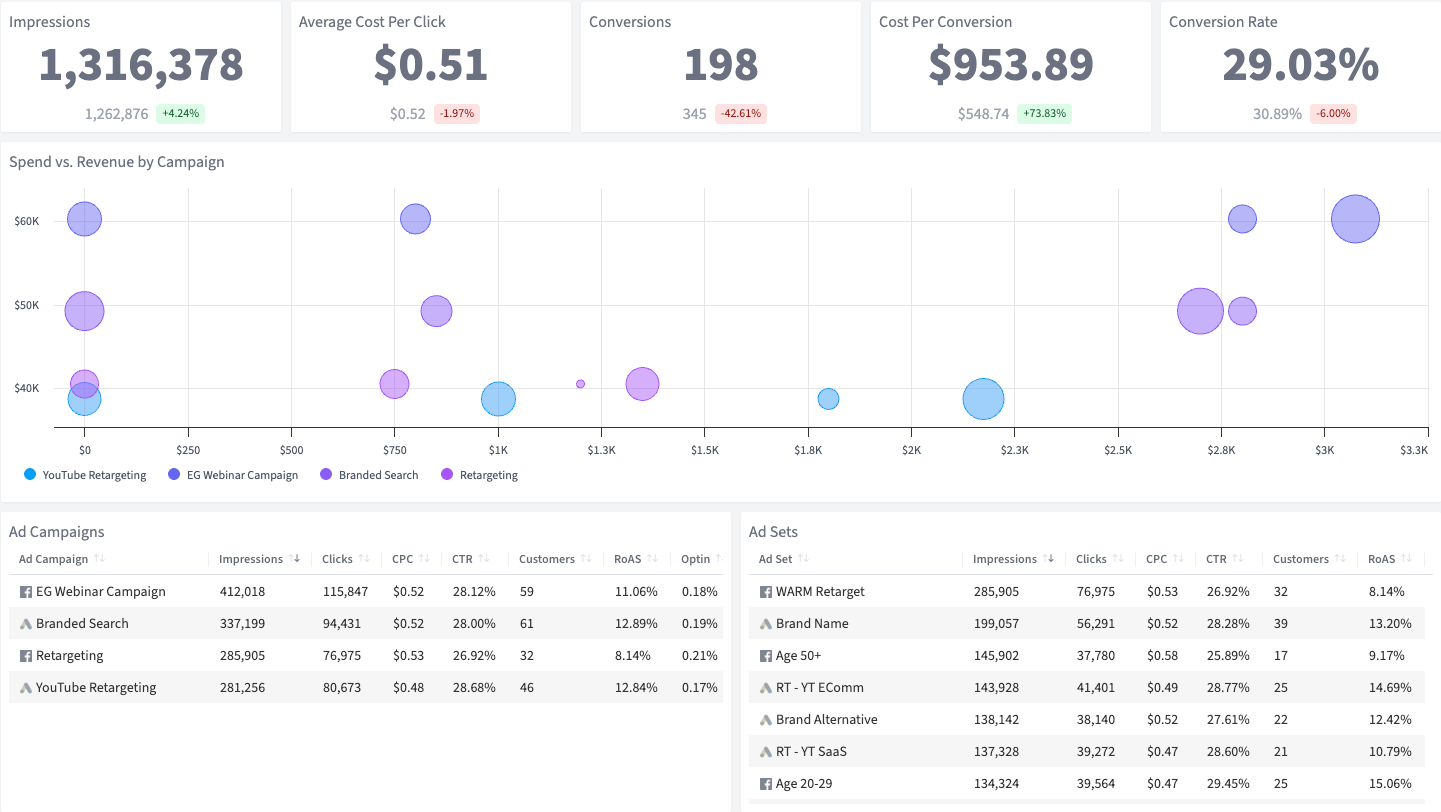

YouTube will show you views, view rates, and CPVs that make your video campaigns look like winners.
But views don’t pay the bills. YouTube’s reporting won’t connect your pre-roll, in-stream, and bumper ad performance to actual names, emails, and revenue in your payment processor. And when you try to reconcile the numbers with your real sales data…well, the story changes.
SegMetrics’ YouTube Advertising Dashboard fixes this. Get all your critical ad metrics, including verified financials, with lifetime attribution. (Say goodbye to vanity video metrics!)
Everything you need is here in one easy-to-read dashboard perfect for presenting to clients or management.
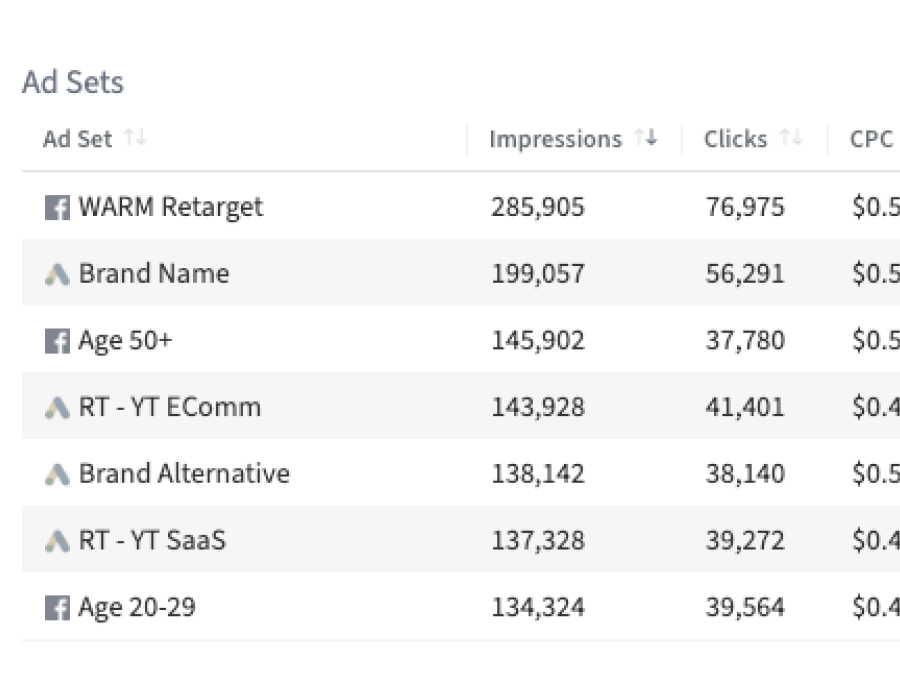
The total amount spent on YouTube ads over time
The total revenue generated from customers acquired through YouTube ads
Return on ad spend — the ratio of revenue generated to ad dollars spent
The total number of leads generated from YouTube ad campaigns
A daily breakdown of ad spend, ad clicks, and revenue
A daily breakdown of ad spend, ad clicks, and customers
A timeline view showing revenue generated by each campaign over time
The number of leads acquired through YouTube advertising
The number of customers acquired through YouTube ad campaigns
The total number of orders placed by customers from YouTube ads
The average dollar amount spent per order from YouTube ad customers
The total revenue generated from all YouTube ad campaigns
The percentage of YouTube Ads-generated leads who became paying customers
The average cost to acquire a new lead through YouTube advertising
The average cost to acquire a paying customer through YouTube advertising
Why this Dashboard
YouTube video ads — pre-roll, in-stream, bumper, and discovery — can reach massive audiences. But YouTube’s reporting (and even Google Ads Manager) focuses on video metrics like views and view-through rates, not on actual revenue. You need to know if those video views turned into paying customers.
SegMetrics’ YouTube Advertising Dashboard ties your video ad spend to real business outcomes, so you can optimize for revenue instead of views.
Who it's for
What you can do
Discover whether your YouTube video campaigns are actually profitable. Go beyond view counts and view-through rates to see real lifetime revenue from your in-stream and pre-roll ads. Identify which video creatives and targeting strategies are turning viewers into paying customers.
How Often
Review this dashboard weekly to monitor campaign performance and optimize ad spend in real time.
Integrations needed
The YouTube Advertising Dashboard requires YouTube Ads (Google Ads) integration, your CRM, the SegMetrics tracking pixel, and your payment processor. See our full list of integrations.
See all of our 100+ pre-built dashboards
Go beyond view counts — connect your YouTube ad spend to real leads and revenue in your CRM.
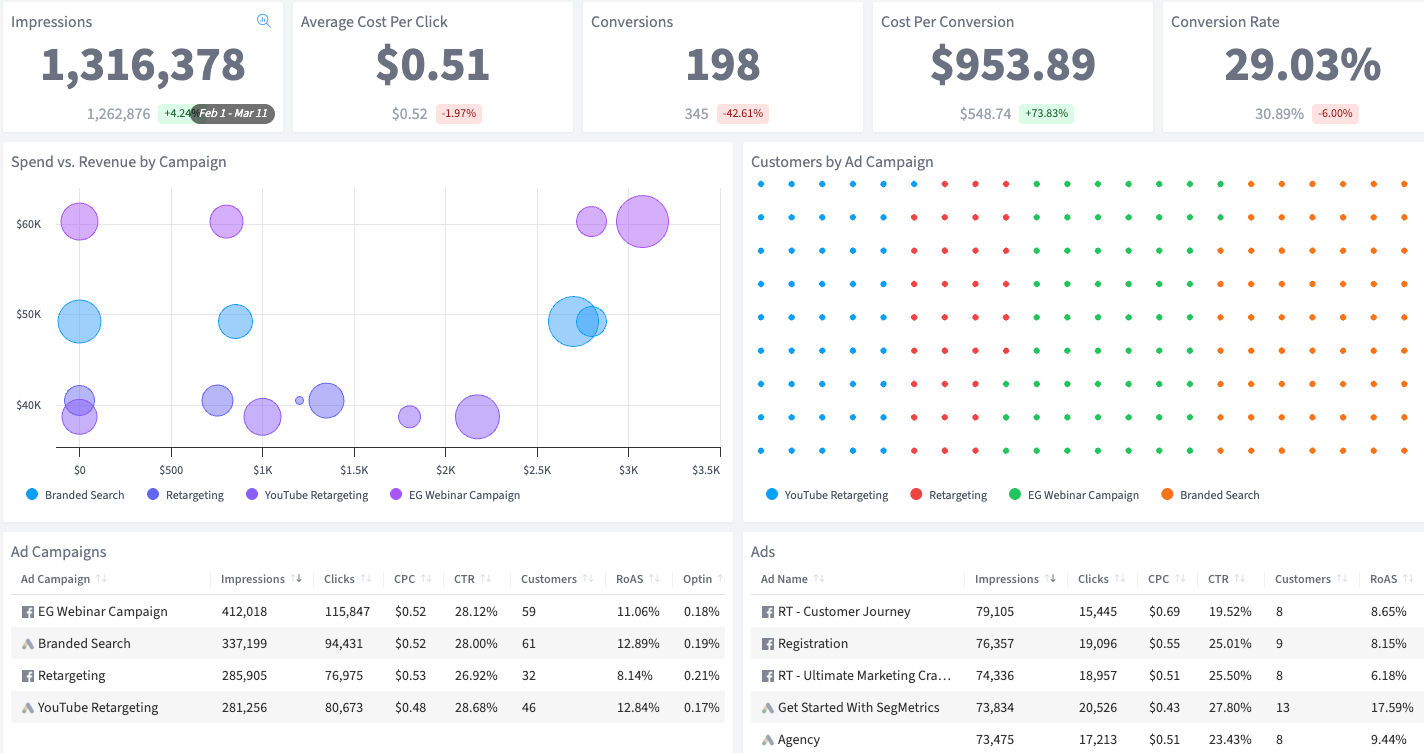
Analyze every YouTube campaign, ad group, and video ad with full lifetime performance data.
Go beyond clicks — see which campaigns are converting real leads in your CRM.
This dashboard reads straight from the integration below. Connect it once and the template fills itself in.
How SegMetrics Works
When your data is fragmented across multiple tools, it’s hard to find answers to important questions about your marketing — like which ads bring in contacts with the highest LTV after 3, 6, and 12 months.
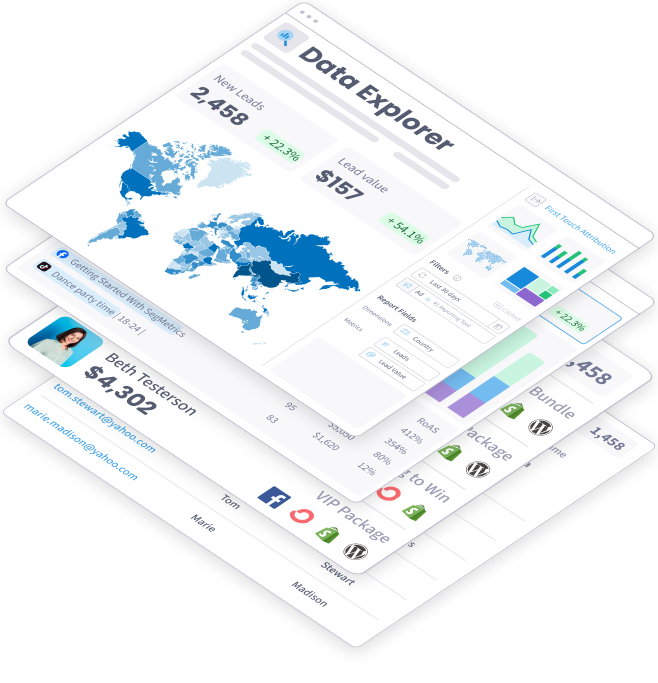
SegMetrics connects your data from all your marketing tools, including ad platforms, CRMs, email systems, payment processors and more. Find the hidden profits in your marketing.
Trusted by 3,000+ Marketers and Agencies











Since switching to SegMetrics, we’ve been able to rely on our dashboard in ways we just couldn’t with 'the other guys’.


It’s not enough for us to just track our ads right after the first click because someone may convert 6 months later. SegMetrics has made a huge difference in our ability to track what we are actually getting from our paid ads. We can even track the impact individual salespeople are having during the sales process.


SegMetrics gives you X-Ray vision to reveal what your customers are doing, how your marketing funnel is working...

Start your 14-day free trial of SegMetrics today!
