

Why Use Marketing Attribution Software When AI Can Just Pull My Data?
Short answer: AI can reason about marketing data. It cannot record it. So will AI marketing attribution work for me?…


In an age where some websites shove in more ads than halftime at the Superbowl, it’s understandable that 43% of people now use some kind of adblocker.
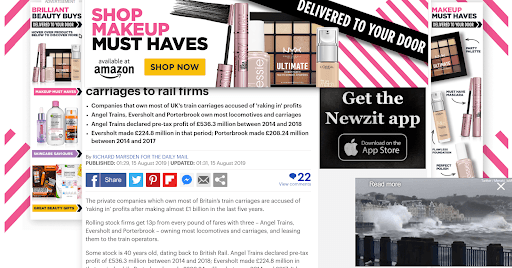
According to the Digital Trends report, the top reasons for using an ad blocker are:
And we agree with that. Ad overload makes the internet worse for everyone, so we respect people’s choice to block them.
Unfortunately, other tools can get caught in the net.
For example, many adblockers stop Google Analytics from running, despite that it has nothing to do with displaying ads. It has many uses for website owners, such as monitoring that everything is running smoothly.
Some extensions also block the Facebook Pixel, in a quest to stop Zuckerberg and co. from watching you across every website. Combine this with the iOS changes, and measuring RoAS becomes a real challenge.
Even tools such as Google Tag Manager are often blocked, despite just being a container.
SegMetric’s snippet plays by the rules.
We don’t have anything to do with showing ads…
We don’t watch visitors anywhere other than your website…
We only save data about people who submit their email…
But, a few services take a sledgehammer approach that stops our snippet from loading. They stop any 3rd party javascript snippets from running, despite that this includes completely innocent tools.
But, our server-side tracking lets SegMetrics dress the part.
Think of an ad blocker like a simple security guard. If you walk past the desk wearing the company’s uniform, he’ll let you go past. But if you look like an outsider, you’ll be stopped and inspected.
With server-side tracking, the snippet will be dressed to look like part of your website’s infrastructure. Ad blockers won’t stop data from going back to the original domain, so you get 100% of your visitor data.
Server-side tracking only takes a few steps to configure, and it doesn’t need a complex setup.
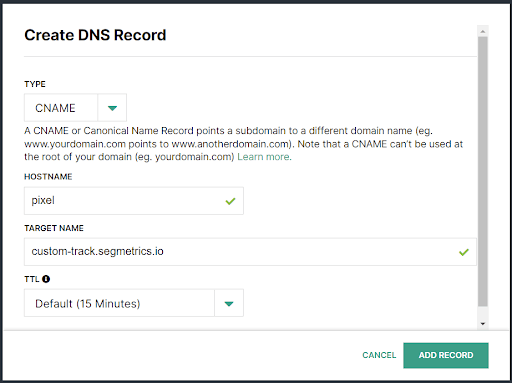
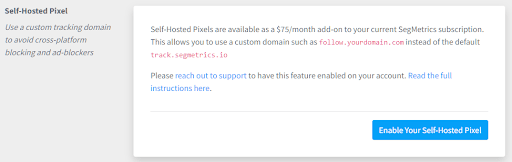
That’s it! Your SegMetrics pixel will run smoothly for every visitor to your site, giving you even more accurate data.
If you have a SegMetrics account, then read the support doc for more detailed instructions for how to configure your pixel.
Or if you’re not yet a user, go ahead and grab yourself a free 14 day trial.

Vanessa Copley is a business automation specialist and the founder of Custom Client Journey. She specializes in client journey management and bringing the human touch to your automated experience. In her free time, she enjoys reading fantasy and horror novels, practicing Tang Soo Do and spending time with her amazing children, the love of her life, and their 15 birds and 2 dogs.
Short answer: AI can reason about marketing data. It cannot record it. So will AI marketing attribution work for me?…
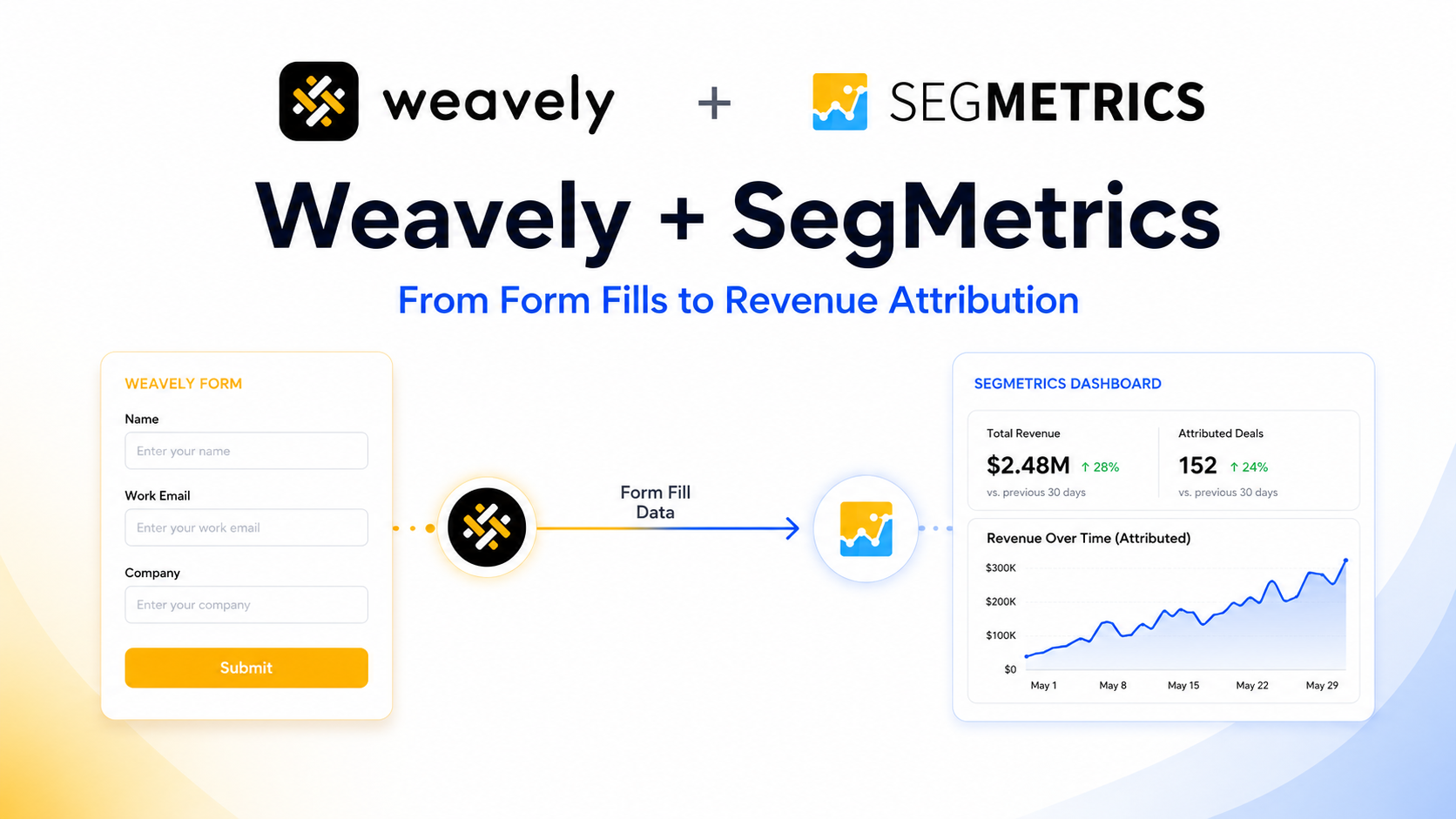
Most lead-gen forms are great at one thing: counting responses. You get a number, a spreadsheet fills up, and everyone…
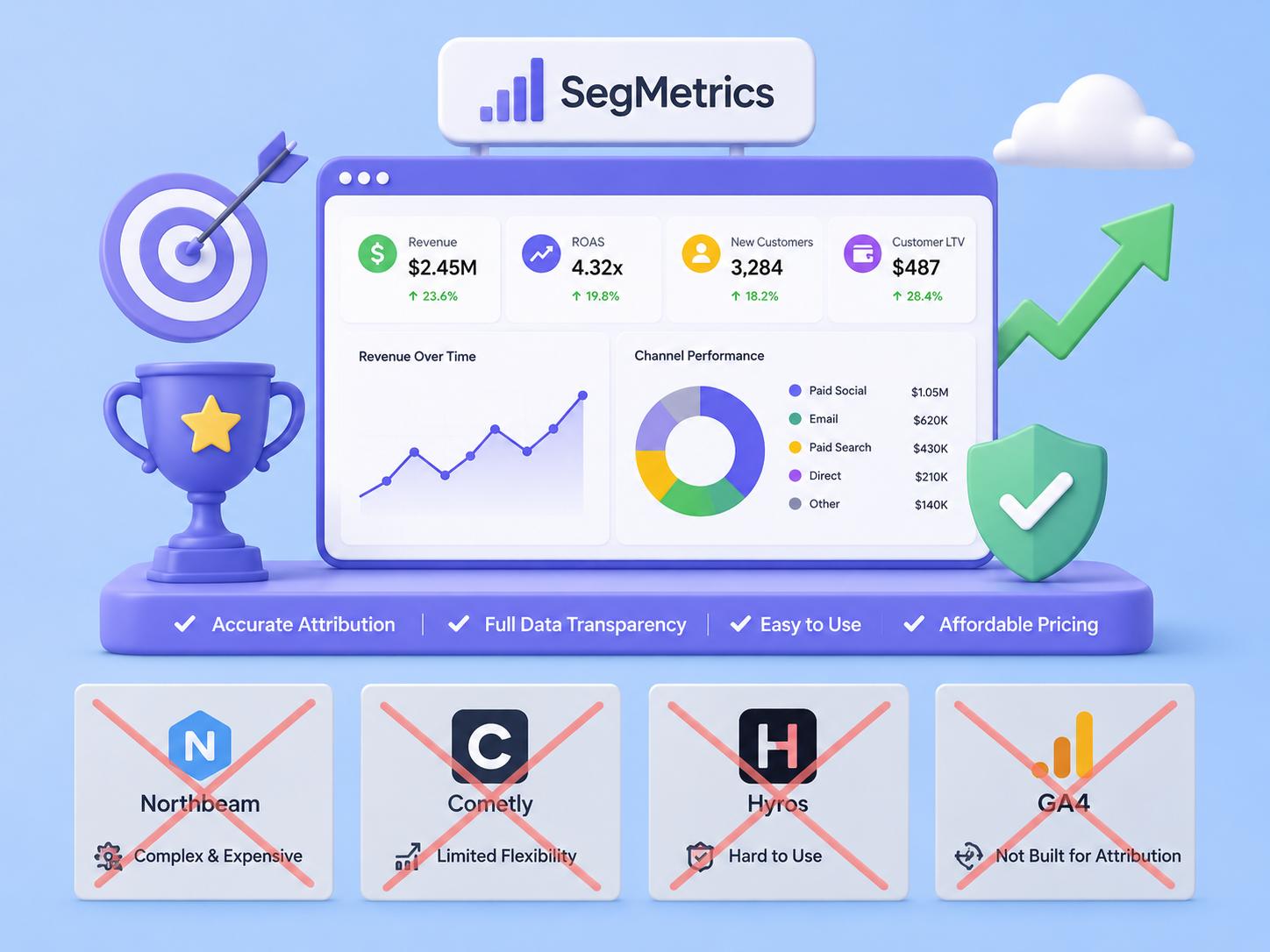
What is an Alternative to SegMetrics? A Practical Guide You’re looking for a marketing analytics tool and considering your options. That’s a smart move. The…

Start your 14-day free trial of SegMetrics today!