You checked Search Console. Impressions are up. Clicks are flat, maybe down. Nothing in Google Analytics explains why.
Here’s what’s probably happening: Google answered the question on the results page before anyone reached your site. An AI Overview sat above your listing, summarized your content, and sent the click somewhere else, or nowhere at all.
AI Overviews now show up on roughly one in five Google searches in the US, and higher than that in some countries and categories. Health queries trigger them more than 60% of the time. That’s not a rounding error. That’s a structural change in how search works, and most marketing dashboards weren’t built to see it.
This guide is about the part almost nobody talks about: not how to rank in AI Overviews, but how to track whether you’re showing up in them, whether it’s helping, and whether it’s worth the effort. If you haven’t read our guide on how to actually rank in Google’s AI Overview, start there first. This one picks up after you’ve done the work and need to know if it paid off.
What “AI Overview tracking” actually means
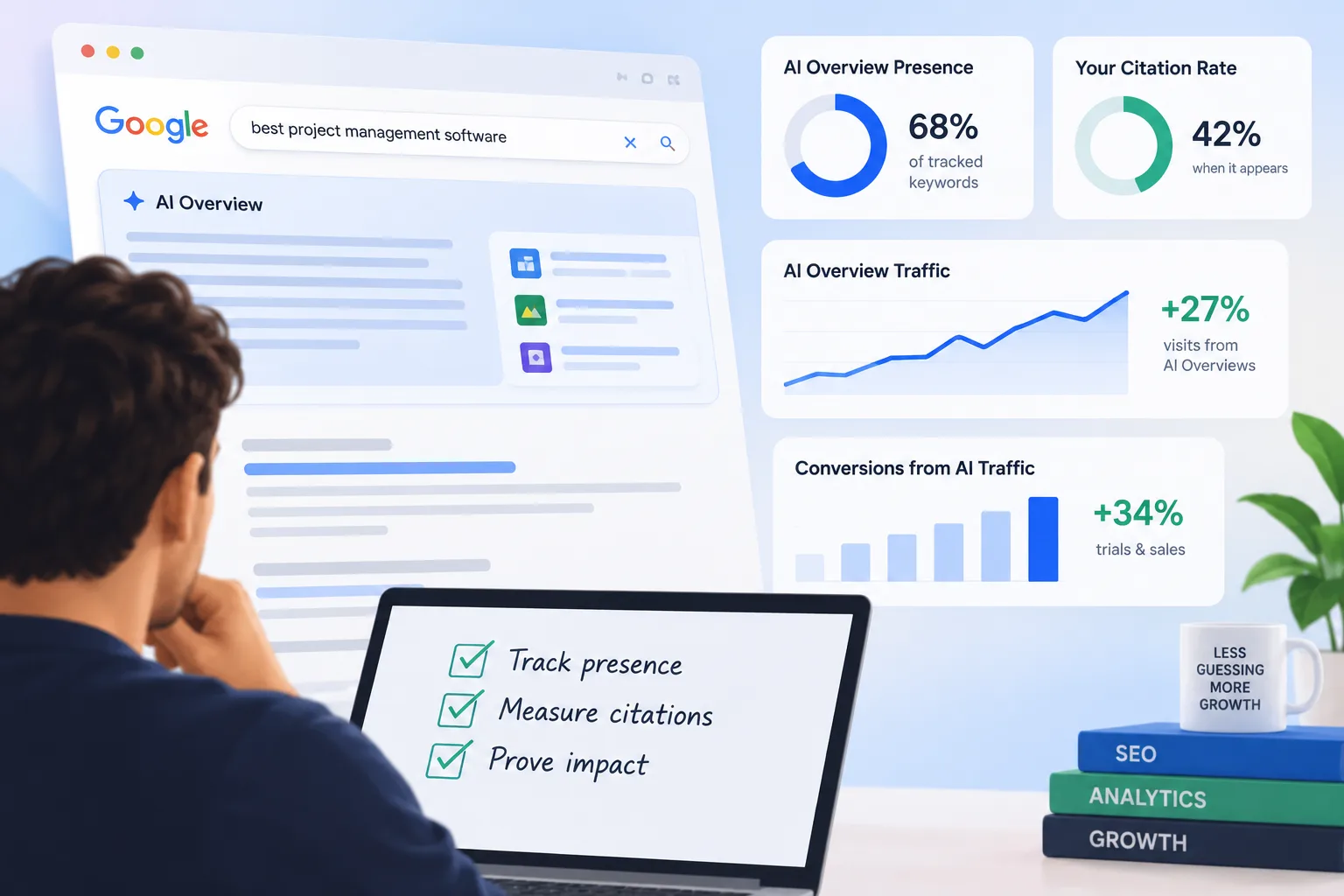
AI Overview tracking is the practice of monitoring whether your pages get cited inside Google’s AI-generated answer boxes, how often those citations appear, and what happens to your traffic and revenue as a result.
That’s three separate questions, and most tools only answer the first one:
- Presence. Does an AI Overview show up for this keyword at all?
- Citation. When it shows up, does it cite you?
- Impact. When it cites you, does anyone click through, and does that click turn into a trial or a sale?
A rank tracker can tell you presence and citation. Almost nothing tells you impact on its own. You have to build that connection yourself, and that’s the part worth doing right.
Why the old dashboards go blind here
Standard analytics tools were built around a simple model: someone searches, someone clicks a blue link, someone lands on your site. AI Overviews break the model in two places.
First, a huge share of searches now end without any click at all. Estimates put “zero-click” search sessions at close to 58% of all Google queries. The person got their answer and left. No visit, no session, no data point in Google Analytics.
Second, the clicks that do happen often don’t look like anything special in your reporting. If someone clicks a link inside an AI Overview, most setups log that as ordinary organic traffic. It gets mixed in with everyone else. You can’t tell an AI Overview referral from a plain old search result unless you go build a filter for it.
That second problem is the one you can actually fix, and it’s where tracking work should start.
Free ways to start tracking today
You don’t need a new subscription to get moving. Start with what you already have.
Google Search Console. Search Console’s “Search appearance” filters now break out AI-related search features separately from standard organic results, so you can see impressions and clicks tied to AI surfaces instead of guessing. If you don’t see it yet, check back monthly. Google has been rolling this reporting out in stages, and coverage keeps expanding. Google’s own announcement of expanded AI performance reporting in Search Console is worth reading if you want the details straight from the source: Google Search Central’s post on the new reports.
Google Analytics 4. Build a custom channel group for AI referral traffic. Most guides suggest a source match on patterns like google.*ai, chatgpt.com, and perplexity.ai, then placing that channel above standard Organic Search in your channel priority list so it doesn’t get swallowed. Once it exists, you can watch conversion rate for that channel the same way you’d watch any other source.
Manual spot checks. Pick 20 to 30 of your most important keywords. Search each one and record three things: whether an AI Overview appeared, whether you were cited, and who else was cited. Do this monthly. It’s tedious, but it’s free, and it catches things automated tools sometimes miss, especially for local or niche queries.
A simple citation rate formula. Take the keywords where an AI Overview appeared and divide the number where you were cited by the total. That’s your citation rate. Track it over time the same way you’d track average position. A citation rate that’s climbing means your content is winning the trust of the summarizer. One that’s flat or falling tells you something in your content structure needs work, which is exactly what our guide to ranking in AI Overviews walks through.
What to actually measure, on what schedule
Tracking everything at once is how tracking projects die. Break it into tiers.
Check weekly: AI Overview trigger rate for your priority keywords, your citation rate, and how often competitors get cited instead of you. These move fast and tell you if something changed.
Check monthly: Total estimated traffic impact from AI Overview appearances, which specific pages get cited most, and which new keywords started triggering AI Overviews that didn’t before. Content gets caught up in AI Overviews as topics evolve, not just when you publish something new.
Check quarterly: Whether any of this actually turned into pipeline. This is the one that matters most and the one teams skip most often.
The part that actually matters: does it make money
Citation counts and trigger rates are useful, but they’re vanity metrics if you stop there. A citation with zero downstream revenue is a nice screenshot for a slide deck and nothing else.
This is where most AI Overview tracking falls apart, because it lives in an SEO tool that has no idea what happened after the click. Someone clicks through from an AI Overview citation, lands on a blog post, reads for two minutes, leaves, comes back nine days later from an email, starts a trial, and converts to paid six weeks after that. An SEO rank tracker sees none of that. It saw one click and stopped watching.
Why it matters: That’s an attribution problem, not a search-visibility problem, and it needs a different kind of tool to solve. If your AI Overview traffic isn’t tagged and followed all the way to revenue, you’re guessing at ROI instead of measuring it. We wrote about this exact gap in how ad platforms guess at revenue instead of tracking it, and the same problem applies to organic and AI-driven traffic, not just paid ads.
Practically, that means connecting three layers instead of one:
- Visibility layer: are you cited, and how often (rank tracker or manual audit).
- Session layer: did the visit get tagged as AI-referral traffic instead of generic organic (your GA4 channel group).
- Revenue layer: did that visitor eventually become a customer, and what was that customer worth (your attribution platform).
Most teams have the first layer. Some have the second. Almost nobody connects all three, which is exactly why “is our AEO work paying off” is such a hard question to answer honestly at most companies. If you’re evaluating tools for that third layer, our breakdown of attribution tools for 2026 is a reasonable place to start.
If manual audits and DIY dashboards aren’t enough, a handful of tools now track AI Overview citations directly, checking your target keywords on a schedule and reporting who gets cited. Pricing runs anywhere from around $30 a month for lighter tools up to well over $100 a month for platforms that bundle it into broader rank tracking. None of them close the loop on revenue by themselves. They tell you the SEO side of the story. You still have to connect that to what happens after the click.
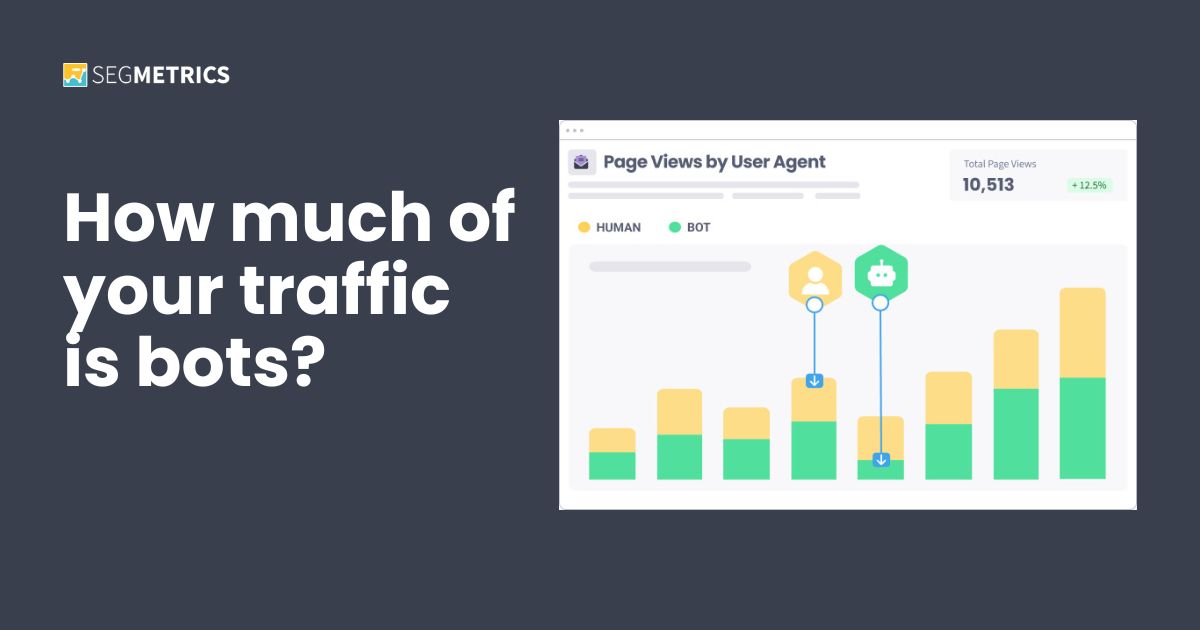
Fine print note: AI crawlers hitting your site to source their answers show up in your server logs as bot traffic, not human visits. If you’re not separating bots from real visitors somewhere in your stack, your baseline traffic numbers are quietly wrong before you’ve even started measuring anything AI-related. We cover this in our piece on user agent tracking, and it’s worth a look if your traffic numbers have felt off lately.
A tracking routine you can actually keep up
Here’s a version that takes under an hour a week once it’s set up:
Monday morning, check your GA4 AI-referral channel for the past week. Note the session count and conversion rate. Once a month, run your manual keyword audit and update your citation rate. Once a quarter, pull every contact who first touched your site through an AI-referral session and see how many became paying customers, and what they were worth.
That last step is the one that turns “we think AI search matters” into “AI search brought us $14,000 in new revenue last quarter.” One of those gets budget approved. The other gets a shrug in a meeting.
FAQs
What is AI Overview tracking? AI Overview tracking means monitoring whether your web pages get cited inside Google’s AI-generated search summaries, how often that happens, and what effect it has on your traffic and revenue. It combines SEO visibility monitoring with the marketing analytics work of following a visitor from that first click to an eventual sale.
How do I know if my site has been cited in an AI Overview? Search your target keywords manually and look for citations under the AI-generated summary, or use a rank-tracking tool that flags AI Overview presence and citation status. Google’s Search Console also breaks out some AI-related search appearance data, which can surface citations at scale without manual checking every keyword.
Does Google Analytics show AI Overview traffic separately? Not by default. GA4 typically groups AI Overview referral clicks under standard organic or referral traffic. You can build a custom channel group in GA4 that isolates traffic from AI-related sources so it stops blending into your regular organic numbers.
Why did my organic traffic drop even though my rankings stayed the same? This is one of the clearest signs of AI Overview impact. When an AI Overview answers the query directly, fewer searchers click through to any website, including yours, even if your position in the traditional results hasn’t moved. Check whether AI Overviews now appear on your top keywords before assuming a technical or ranking problem.
Is it worth paying for a dedicated AI Overview tracking tool? It depends on how much organic traffic and revenue rides on the keywords in question. For a handful of important keywords, a monthly manual audit works fine and costs nothing. For larger keyword sets or competitive categories, a dedicated tool saves real time, but it still won’t tell you the revenue outcome. You’ll need to connect that data to an attribution platform to see the full picture.
How does AI Overview tracking connect to marketing attribution? Citation and traffic data only tell you that someone showed up. Attribution tracking tells you what that visitor was worth. Connecting the two means tagging AI-referral sessions distinctly, then following those visitors through to a sale, so you can report actual revenue instead of just impressions and clicks.